").attr(n.scriptAttrs||{}).prop({charset:n.scriptCharset,src:n.url}).on("load error",i=function(e){r.remove(),i=null,e&&t("error"===e.type?404:200,e.type)}),C.head.appendChild(r[0])},abort:function(){i&&i()}}});var Jt,Kt=[],Zt=/(=)\?(?=&|$)|\?\?/;ce.ajaxSetup({jsonp:"callback",jsonpCallback:function(){var e=Kt.pop()||ce.expando+"_"+jt.guid++;return this[e]=!0,e}}),ce.ajaxPrefilter("json jsonp",function(e,t,n){var r,i,o,a=!1!==e.jsonp&&(Zt.test(e.url)?"url":"string"==typeof e.data&&0===(e.contentType||"").indexOf("application/x-www-form-urlencoded")&&Zt.test(e.data)&&"data");if(a||"jsonp"===e.dataTypes[0])return r=e.jsonpCallback=v(e.jsonpCallback)?e.jsonpCallback():e.jsonpCallback,a?e[a]=e[a].replace(Zt,"$1"+r):!1!==e.jsonp&&(e.url+=(At.test(e.url)?"&":"?")+e.jsonp+"="+r),e.converters["script json"]=function(){return o||ce.error(r+" was not called"),o[0]},e.dataTypes[0]="json",i=ie[r],ie[r]=function(){o=arguments},n.always(function(){void 0===i?ce(ie).removeProp(r):ie[r]=i,e[r]&&(e.jsonpCallback=t.jsonpCallback,Kt.push(r)),o&&v(i)&&i(o[0]),o=i=void 0}),"script"}),le.createHTMLDocument=((Jt=C.implementation.createHTMLDocument("").body).innerHTML="
",2===Jt.childNodes.length),ce.parseHTML=function(e,t,n){return"string"!=typeof e?[]:("boolean"==typeof t&&(n=t,t=!1),t||(le.createHTMLDocument?((r=(t=C.implementation.createHTMLDocument("")).createElement("base")).href=C.location.href,t.head.appendChild(r)):t=C),o=!n&&[],(i=w.exec(e))?[t.createElement(i[1])]:(i=Ae([e],t,o),o&&o.length&&ce(o).remove(),ce.merge([],i.childNodes)));var r,i,o},ce.fn.load=function(e,t,n){var r,i,o,a=this,s=e.indexOf(" ");return-1").append(ce.parseHTML(e)).find(r):e)}).always(n&&function(e,t){a.each(function(){n.apply(this,o||[e.responseText,t,e])})}),this},ce.expr.pseudos.animated=function(t){return ce.grep(ce.timers,function(e){return t===e.elem}).length},ce.offset={setOffset:function(e,t,n){var r,i,o,a,s,u,l=ce.css(e,"position"),c=ce(e),f={};"static"===l&&(e.style.position="relative"),s=c.offset(),o=ce.css(e,"top"),u=ce.css(e,"left"),("absolute"===l||"fixed"===l)&&-1<(o+u).indexOf("auto")?(a=(r=c.position()).top,i=r.left):(a=parseFloat(o)||0,i=parseFloat(u)||0),v(t)&&(t=t.call(e,n,ce.extend({},s))),null!=t.top&&(f.top=t.top-s.top+a),null!=t.left&&(f.left=t.left-s.left+i),"using"in t?t.using.call(e,f):c.css(f)}},ce.fn.extend({offset:function(t){if(arguments.length)return void 0===t?this:this.each(function(e){ce.offset.setOffset(this,t,e)});var e,n,r=this[0];return r?r.getClientRects().length?(e=r.getBoundingClientRect(),n=r.ownerDocument.defaultView,{top:e.top+n.pageYOffset,left:e.left+n.pageXOffset}):{top:0,left:0}:void 0},position:function(){if(this[0]){var e,t,n,r=this[0],i={top:0,left:0};if("fixed"===ce.css(r,"position"))t=r.getBoundingClientRect();else{t=this.offset(),n=r.ownerDocument,e=r.offsetParent||n.documentElement;while(e&&(e===n.body||e===n.documentElement)&&"static"===ce.css(e,"position"))e=e.parentNode;e&&e!==r&&1===e.nodeType&&((i=ce(e).offset()).top+=ce.css(e,"borderTopWidth",!0),i.left+=ce.css(e,"borderLeftWidth",!0))}return{top:t.top-i.top-ce.css(r,"marginTop",!0),left:t.left-i.left-ce.css(r,"marginLeft",!0)}}},offsetParent:function(){return this.map(function(){var e=this.offsetParent;while(e&&"static"===ce.css(e,"position"))e=e.offsetParent;return e||J})}}),ce.each({scrollLeft:"pageXOffset",scrollTop:"pageYOffset"},function(t,i){var o="pageYOffset"===i;ce.fn[t]=function(e){return M(this,function(e,t,n){var r;if(y(e)?r=e:9===e.nodeType&&(r=e.defaultView),void 0===n)return r?r[i]:e[t];r?r.scrollTo(o?r.pageXOffset:n,o?n:r.pageYOffset):e[t]=n},t,e,arguments.length)}}),ce.each(["top","left"],function(e,n){ce.cssHooks[n]=Ye(le.pixelPosition,function(e,t){if(t)return t=Ge(e,n),_e.test(t)?ce(e).position()[n]+"px":t})}),ce.each({Height:"height",Width:"width"},function(a,s){ce.each({padding:"inner"+a,content:s,"":"outer"+a},function(r,o){ce.fn[o]=function(e,t){var n=arguments.length&&(r||"boolean"!=typeof e),i=r||(!0===e||!0===t?"margin":"border");return M(this,function(e,t,n){var r;return y(e)?0===o.indexOf("outer")?e["inner"+a]:e.document.documentElement["client"+a]:9===e.nodeType?(r=e.documentElement,Math.max(e.body["scroll"+a],r["scroll"+a],e.body["offset"+a],r["offset"+a],r["client"+a])):void 0===n?ce.css(e,t,i):ce.style(e,t,n,i)},s,n?e:void 0,n)}})}),ce.each(["ajaxStart","ajaxStop","ajaxComplete","ajaxError","ajaxSuccess","ajaxSend"],function(e,t){ce.fn[t]=function(e){return this.on(t,e)}}),ce.fn.extend({bind:function(e,t,n){return this.on(e,null,t,n)},unbind:function(e,t){return this.off(e,null,t)},delegate:function(e,t,n,r){return this.on(t,e,n,r)},undelegate:function(e,t,n){return 1===arguments.length?this.off(e,"**"):this.off(t,e||"**",n)},hover:function(e,t){return this.on("mouseenter",e).on("mouseleave",t||e)}}),ce.each("blur focus focusin focusout resize scroll click dblclick mousedown mouseup mousemove mouseover mouseout mouseenter mouseleave change select submit keydown keypress keyup contextmenu".split(" "),function(e,n){ce.fn[n]=function(e,t){return 0
AnyCam 6.0.9.4
ビデオそのほか
2021/09/17 12:00
説明機能仕様ダウンロード画像使い方
IP カメラのビデオ映像の監視と録画を行うアプリケーション

IP カメラ(ネットワークカメラ)の映像の監視と録画を行う Windows アプリケーション。ライブカメラや監視カメラの映像を観たり、手動での録画やモーション検出を使用してビデオを録画することができます。
AnyCam の概要
AnyCam は、IP カメラの映像を監視したり、録画することができるアプリケーションです。
AnyCam の機能
AnyCam の主な機能です。
| 機能 |
概要 |
| メイン機能 |
IP カメラの監視および記録 |
| 機能詳細 |
・連続録画、スケジュール録画、モーション録画
・スクリーンショットの撮影 |
IP カメラの監視と録画ができます
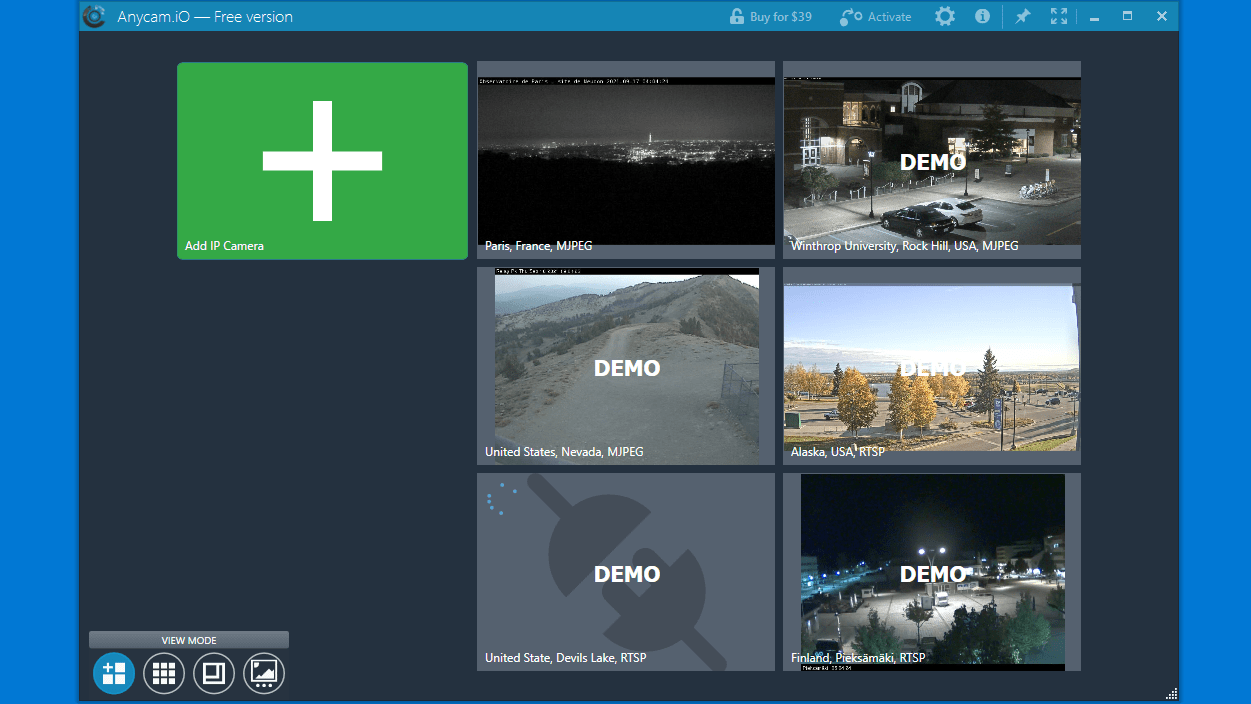
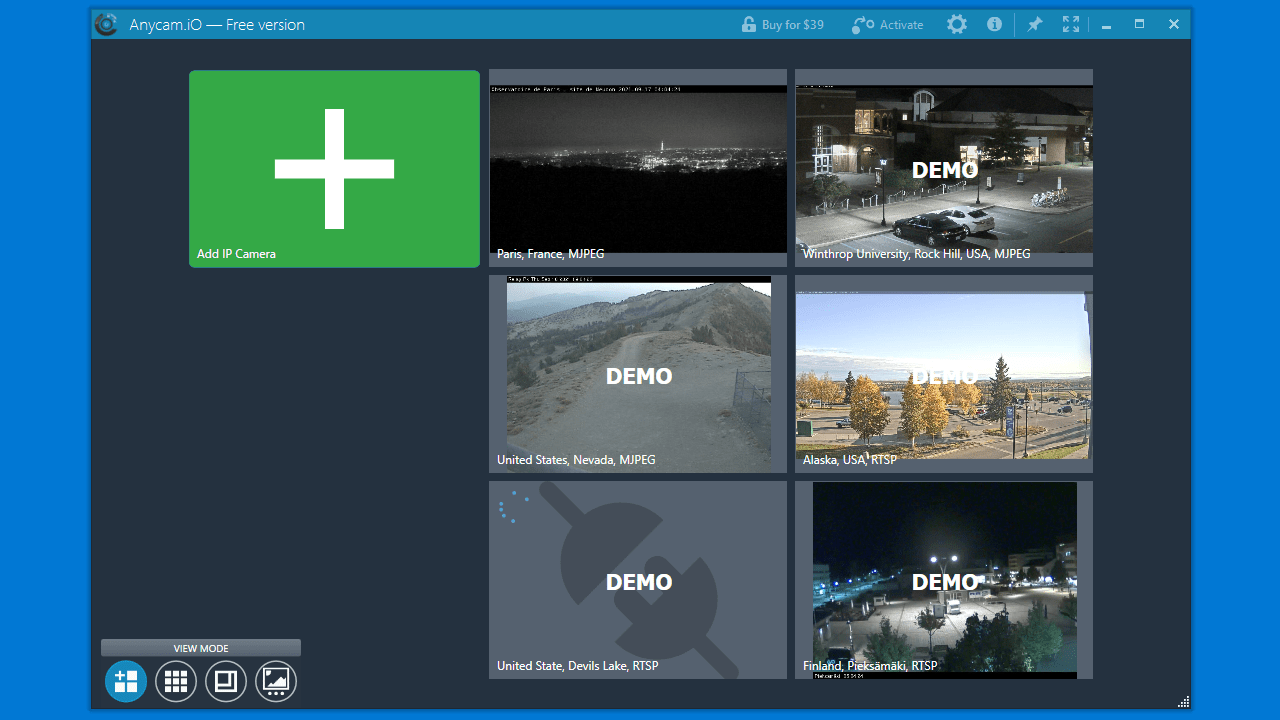
AnyCam は、複数の IP カメラを同時に監視し、録画することができるアプリケーションです(無料版は 1 つのビデオソースのみを接続できます)。
ONVIF / RTSP(H.264 / H.265 / MPEG-4)/ HTTP(MJPEG)ストリームでブロードキャストするカメラに対応しており、リアルタイムの映像を表示してビデオを記録することができます。
3 つの録画方法で録画できます
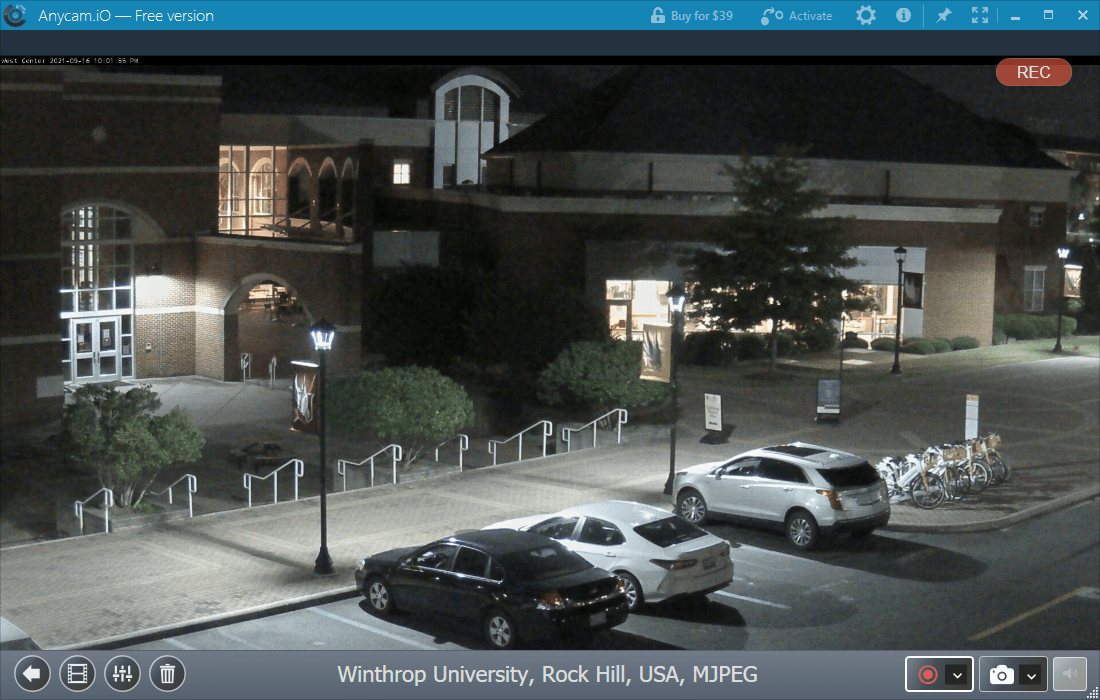
AnyCam では、「自動録画(アプリ起動時に録画開始)」「手動録画」「モーション検出」の 3 種類の録画方法でカメラの映像を録画できます。
録画ボタンを押すだけでかんたんに録画を開始でき、録画されたビデオファイルはインデックスされて専用のフォルダに保存され、カレンダーを介して過去の録画を観ることができます。
監視カメラの映像の監視と録画を行うアプリケーション
AnyCam は、 1 つまたは複数の IP カメラからのライブ映像を表示し、家や会社などを監視したり、都市のライブ映像を観たりするのに役立つ、便利で信頼性の高いアプリケーションです。
機能
- 複数の IP カメラを同時に監視および記録
- 連続録画、スケジュール録画、モーション録画
- ONVIF / RTSP(H.264 / H.265 / MPEG-4)/ HTTP(MJPEG)ストリームをブロードキャストするカメラをサポート
- カメラは、ビデオウォールモードで個別に表示することも、まとめて表示することもできます
- 録画されたすべてのビデオクリップはインデックスが付けられ、組み込みのカレンダーを介してユーザーが利用できます。
無料版で制限されている機能:
- 無料版では、1 つのビデオソースにのみ接続できます
価格:無料
動作環境:Windows 7|8|8.1|10|11
使用言語:英語
最終更新日:
1か月前 (2026/03/30)
ダウンロード数:1357
画像

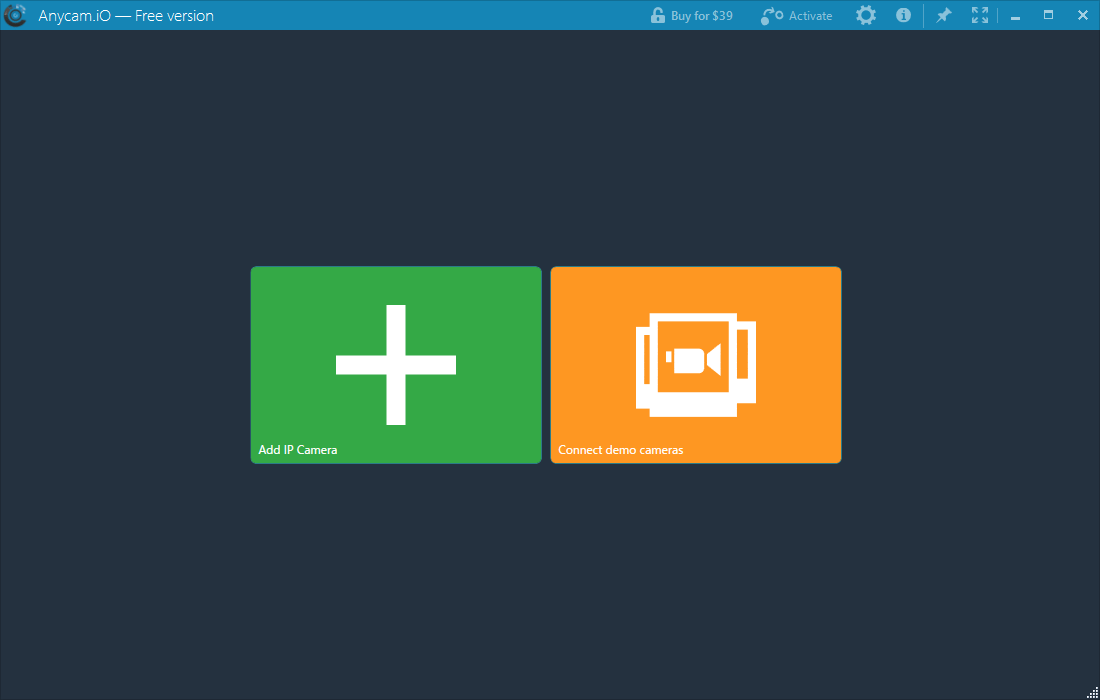
ホーム画面

カメラ一覧

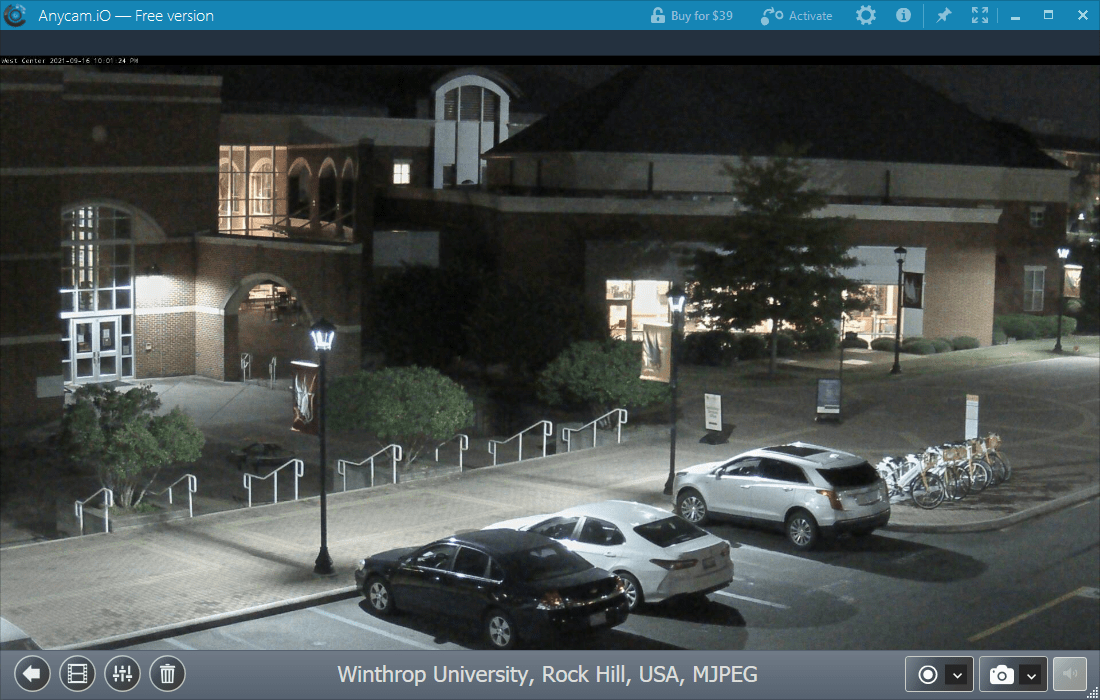
カメラの表示/録画画面

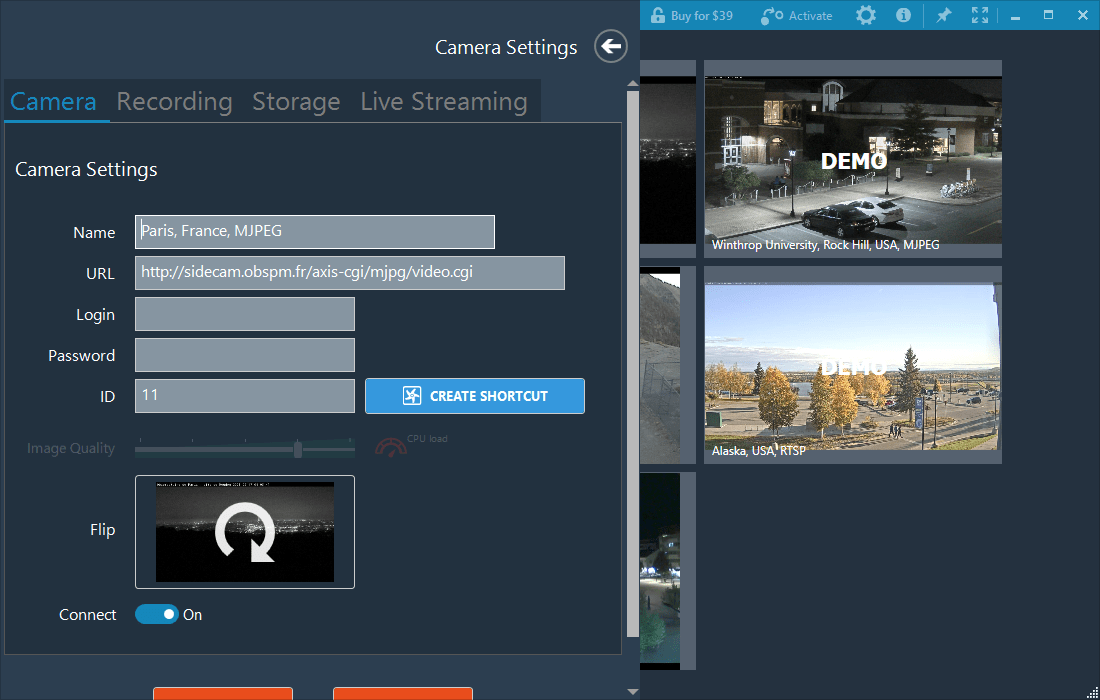
カメラの設定

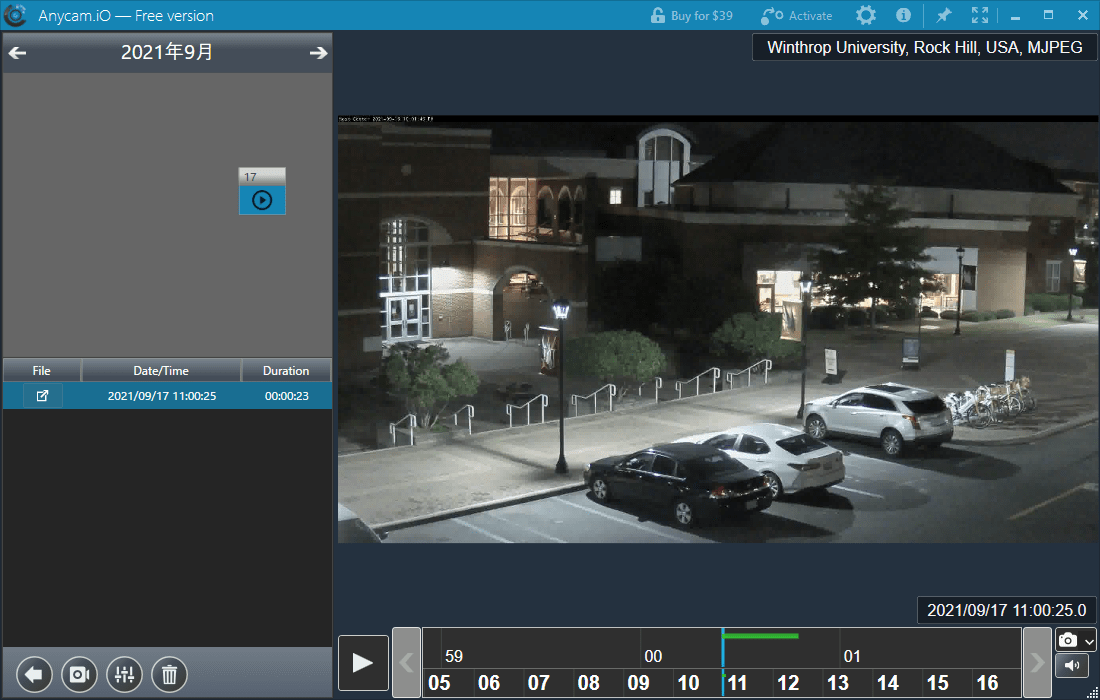
録画の一覧
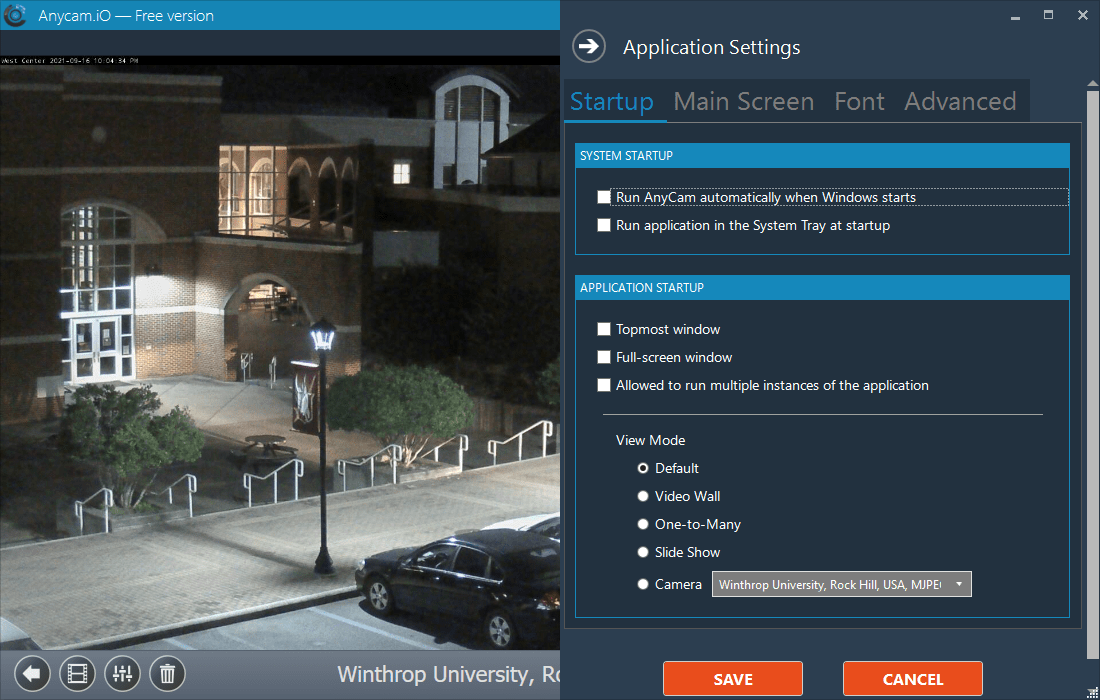
アプリの設定
使い方
インストール
1.インストール方法
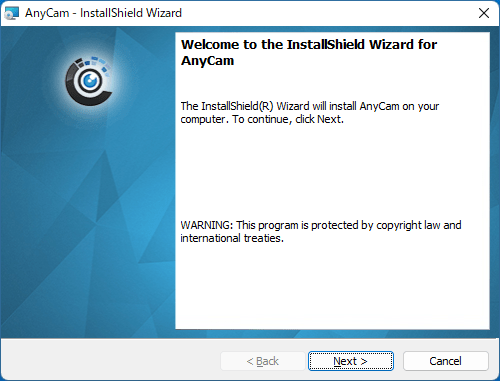
- インストーラを実行するとセットアップウィザードが開始します。[Next]をクリックします。
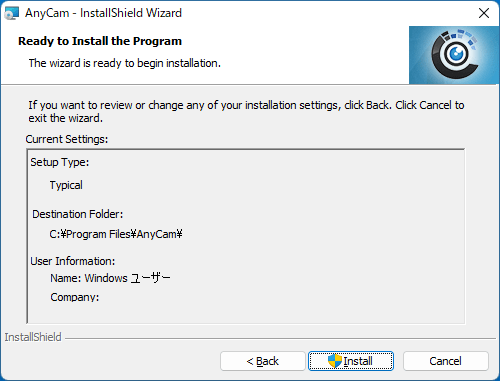
- インストールの準備ができました。[Install]をクリックしてインストールを開始します。
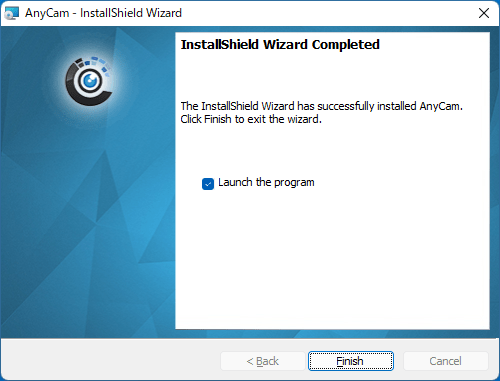
- インストールが完了しました。[Finish]をクリックしてセットアップウィザードを閉じます。
基本的な使い方
1.IP カメラを視聴する/録画する
- AnyCam を起動したら、右の[Connect demo cameras]をクリックします。

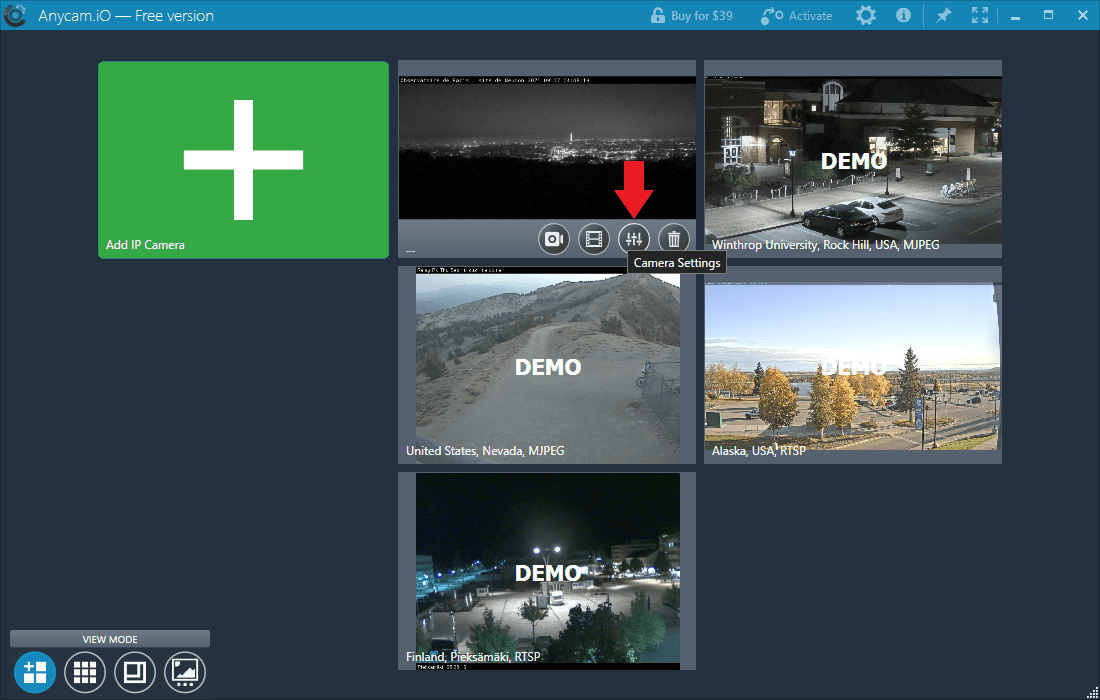
- デモカメラの一覧が表示されます。どのカメラでもよいので「Camera Setting」をクリックします。
- 「Camera」タブで、名前や URL などを入力してカメラの設定をし、[Save]ボタンをクリックします。
- 必要に応じて「Recording」タブで録画の設定をします。

- 一覧からカメラをクリックすると、映像を監視できます。
- 右下のボタンから録画またはスクリーンショットの撮影を行うことができます。

- 左下の「View Recordings」ボタンをクリックすると、録画の履歴が表示されます。

2.アプリの設定
- 右上の「歯車」のボタンをクリックすると、アプリケーションの設定ができます。
よくある質問と回答
ライセンスについて。
AnyCam は、どなたでも無料で使用できます。無料版は一部の機能が制限されています。