").attr(n.scriptAttrs||{}).prop({charset:n.scriptCharset,src:n.url}).on("load error",i=function(e){r.remove(),i=null,e&&t("error"===e.type?404:200,e.type)}),C.head.appendChild(r[0])},abort:function(){i&&i()}}});var Jt,Kt=[],Zt=/(=)\?(?=&|$)|\?\?/;ce.ajaxSetup({jsonp:"callback",jsonpCallback:function(){var e=Kt.pop()||ce.expando+"_"+jt.guid++;return this[e]=!0,e}}),ce.ajaxPrefilter("json jsonp",function(e,t,n){var r,i,o,a=!1!==e.jsonp&&(Zt.test(e.url)?"url":"string"==typeof e.data&&0===(e.contentType||"").indexOf("application/x-www-form-urlencoded")&&Zt.test(e.data)&&"data");if(a||"jsonp"===e.dataTypes[0])return r=e.jsonpCallback=v(e.jsonpCallback)?e.jsonpCallback():e.jsonpCallback,a?e[a]=e[a].replace(Zt,"$1"+r):!1!==e.jsonp&&(e.url+=(At.test(e.url)?"&":"?")+e.jsonp+"="+r),e.converters["script json"]=function(){return o||ce.error(r+" was not called"),o[0]},e.dataTypes[0]="json",i=ie[r],ie[r]=function(){o=arguments},n.always(function(){void 0===i?ce(ie).removeProp(r):ie[r]=i,e[r]&&(e.jsonpCallback=t.jsonpCallback,Kt.push(r)),o&&v(i)&&i(o[0]),o=i=void 0}),"script"}),le.createHTMLDocument=((Jt=C.implementation.createHTMLDocument("").body).innerHTML="
",2===Jt.childNodes.length),ce.parseHTML=function(e,t,n){return"string"!=typeof e?[]:("boolean"==typeof t&&(n=t,t=!1),t||(le.createHTMLDocument?((r=(t=C.implementation.createHTMLDocument("")).createElement("base")).href=C.location.href,t.head.appendChild(r)):t=C),o=!n&&[],(i=w.exec(e))?[t.createElement(i[1])]:(i=Ae([e],t,o),o&&o.length&&ce(o).remove(),ce.merge([],i.childNodes)));var r,i,o},ce.fn.load=function(e,t,n){var r,i,o,a=this,s=e.indexOf(" ");return-1").append(ce.parseHTML(e)).find(r):e)}).always(n&&function(e,t){a.each(function(){n.apply(this,o||[e.responseText,t,e])})}),this},ce.expr.pseudos.animated=function(t){return ce.grep(ce.timers,function(e){return t===e.elem}).length},ce.offset={setOffset:function(e,t,n){var r,i,o,a,s,u,l=ce.css(e,"position"),c=ce(e),f={};"static"===l&&(e.style.position="relative"),s=c.offset(),o=ce.css(e,"top"),u=ce.css(e,"left"),("absolute"===l||"fixed"===l)&&-1<(o+u).indexOf("auto")?(a=(r=c.position()).top,i=r.left):(a=parseFloat(o)||0,i=parseFloat(u)||0),v(t)&&(t=t.call(e,n,ce.extend({},s))),null!=t.top&&(f.top=t.top-s.top+a),null!=t.left&&(f.left=t.left-s.left+i),"using"in t?t.using.call(e,f):c.css(f)}},ce.fn.extend({offset:function(t){if(arguments.length)return void 0===t?this:this.each(function(e){ce.offset.setOffset(this,t,e)});var e,n,r=this[0];return r?r.getClientRects().length?(e=r.getBoundingClientRect(),n=r.ownerDocument.defaultView,{top:e.top+n.pageYOffset,left:e.left+n.pageXOffset}):{top:0,left:0}:void 0},position:function(){if(this[0]){var e,t,n,r=this[0],i={top:0,left:0};if("fixed"===ce.css(r,"position"))t=r.getBoundingClientRect();else{t=this.offset(),n=r.ownerDocument,e=r.offsetParent||n.documentElement;while(e&&(e===n.body||e===n.documentElement)&&"static"===ce.css(e,"position"))e=e.parentNode;e&&e!==r&&1===e.nodeType&&((i=ce(e).offset()).top+=ce.css(e,"borderTopWidth",!0),i.left+=ce.css(e,"borderLeftWidth",!0))}return{top:t.top-i.top-ce.css(r,"marginTop",!0),left:t.left-i.left-ce.css(r,"marginLeft",!0)}}},offsetParent:function(){return this.map(function(){var e=this.offsetParent;while(e&&"static"===ce.css(e,"position"))e=e.offsetParent;return e||J})}}),ce.each({scrollLeft:"pageXOffset",scrollTop:"pageYOffset"},function(t,i){var o="pageYOffset"===i;ce.fn[t]=function(e){return M(this,function(e,t,n){var r;if(y(e)?r=e:9===e.nodeType&&(r=e.defaultView),void 0===n)return r?r[i]:e[t];r?r.scrollTo(o?r.pageXOffset:n,o?n:r.pageYOffset):e[t]=n},t,e,arguments.length)}}),ce.each(["top","left"],function(e,n){ce.cssHooks[n]=Ye(le.pixelPosition,function(e,t){if(t)return t=Ge(e,n),_e.test(t)?ce(e).position()[n]+"px":t})}),ce.each({Height:"height",Width:"width"},function(a,s){ce.each({padding:"inner"+a,content:s,"":"outer"+a},function(r,o){ce.fn[o]=function(e,t){var n=arguments.length&&(r||"boolean"!=typeof e),i=r||(!0===e||!0===t?"margin":"border");return M(this,function(e,t,n){var r;return y(e)?0===o.indexOf("outer")?e["inner"+a]:e.document.documentElement["client"+a]:9===e.nodeType?(r=e.documentElement,Math.max(e.body["scroll"+a],r["scroll"+a],e.body["offset"+a],r["offset"+a],r["client"+a])):void 0===n?ce.css(e,t,i):ce.style(e,t,n,i)},s,n?e:void 0,n)}})}),ce.each(["ajaxStart","ajaxStop","ajaxComplete","ajaxError","ajaxSuccess","ajaxSend"],function(e,t){ce.fn[t]=function(e){return this.on(t,e)}}),ce.fn.extend({bind:function(e,t,n){return this.on(e,null,t,n)},unbind:function(e,t){return this.off(e,null,t)},delegate:function(e,t,n,r){return this.on(t,e,n,r)},undelegate:function(e,t,n){return 1===arguments.length?this.off(e,"**"):this.off(t,e||"**",n)},hover:function(e,t){return this.on("mouseenter",e).on("mouseleave",t||e)}}),ce.each("blur focus focusin focusout resize scroll click dblclick mousedown mouseup mousemove mouseover mouseout mouseenter mouseleave change select submit keydown keypress keyup contextmenu".split(" "),function(e,n){ce.fn[n]=function(e,t){return 0
Video Thumbnail Creator 1.3
ビデオそのほか
説明機能仕様ダウンロード画像使い方
エクスプローラで表示されるビデオのサムネイル画像を変更するソフト
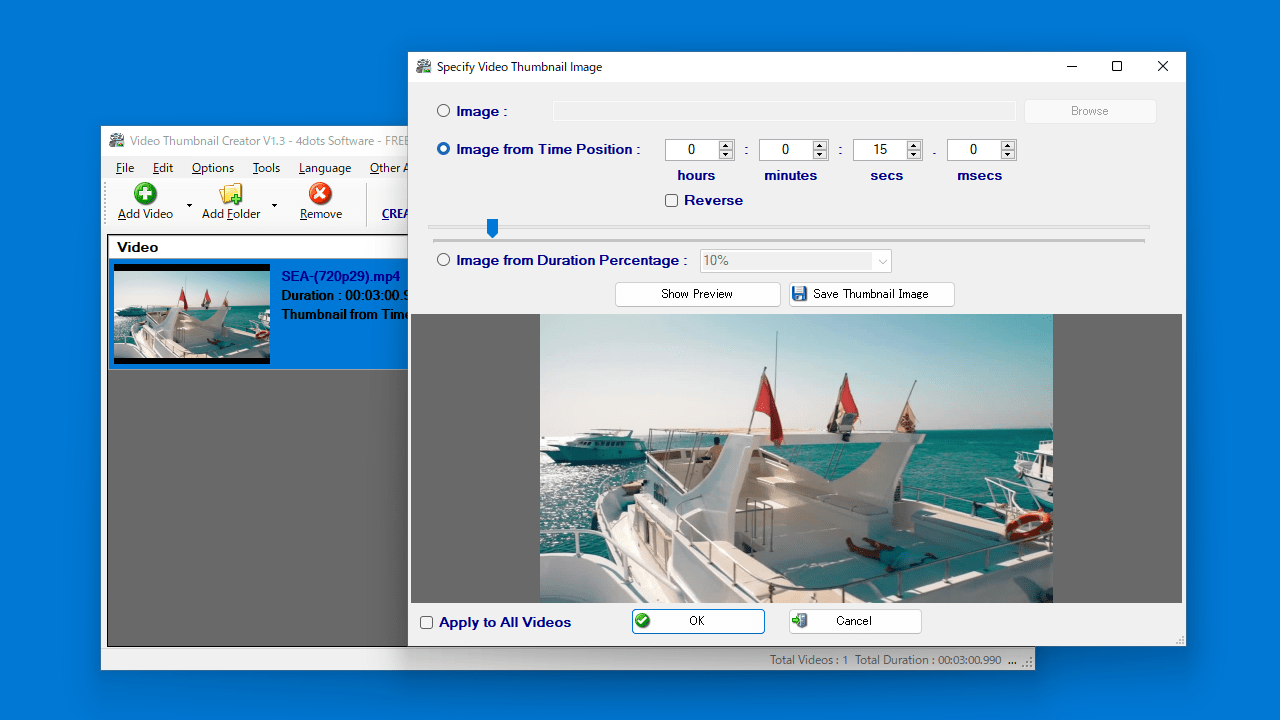
Windows エクスプローラで表示されるビデオのサムネイル画像を変更することができる Windows 向けのフリーソフト。好みの画像または、好みのフレーム位置をビデオのサムネイルに使用できます。
Video Thumbnail Creator の概要
Video Thumbnail Creator は、Windows エクスプローラ プレビュー用のバッチ ビデオ サムネイル メーカーです。
Video Thumbnail Creator の機能
Video Thumbnail Creator の主な機能です。
| 機能 |
概要 |
| メイン機能 |
ビデオのサムネイルを変更する |
| 機能詳細 |
・Windows エクスプローラで表示されるビデオのサムネイル画像を変更できます。
・好みの画像またはフレーム位置をサムネイルに使用できます。
・テキスト、CSV、Excel ファイルからビデオのパラメーターをインポートできます。 |
エクスプローラで表示されるビデオのサムネイルを変更できます
Video Thumbnail Creator は、Windows エクスプローラで表示されるビデオのサムネイル画像を変更することができる Windows 向けのフリーソフトです。
AVI、MP4、MPEG、MOV、MKV、FLV、WMV、3GP、VOB、SWF、QT、RM、WebM、OGV、TS、M2TS などのほとんどのビデオ形式に対応しています。
好みの画像またはフレーム位置をサムネイルに使用できます
Video Thumbnail Creator を使用すると、好みの画像ファイル(PNG、JPEG、JPG、GIF)または、好みのフレーム位置や時間位置をビデオのサムネイルに使用できます。
また、現在のビデオのリストをテキストファイルにエクスポートしたり、テキスト / CSV / Excel ファイルからビデオのパラメーターをインポートすることもできます。
動画ファイルに好みのサムネイルを割り当てることができるフリーソフト
Video Thumbnail Creator は、Windows PC 内に保存されている動画ファイルのサムネイル画像を好みの画像に変更できることができるユニークなソフトウェアです。コマンドラインでの使用もサポートされています。
機能
- Windows エクスプローラのサムネイル プレビュー用にビデオにサムネイルをバッチで追加する
- 映画や家族のビデオなどのビデオ サムネイルを作成し、Windows エクスプローラーを作成する
- Windows エクスプローラーのサムネイル プレビュー用のカスタム イメージからビデオのサムネイルを作成する
- 動画の時間位置から動画サムネイルを一括作成
- 継続時間のパーセンテージに基づいて位置からビデオのサムネイルをバッチ作成する
- コマンドラインの使用をサポート
- テキスト ファイル、CSV ファイル、Excel ファイルからビデオ ファイルのパスとパラメーターをインポートする
価格:無料
動作環境:Windows 7|8|8.1|10|11
使用言語:英語ほかマルチ言語
最終更新日:
3年前 (2023/03/11)
ダウンロード数:2190
画像

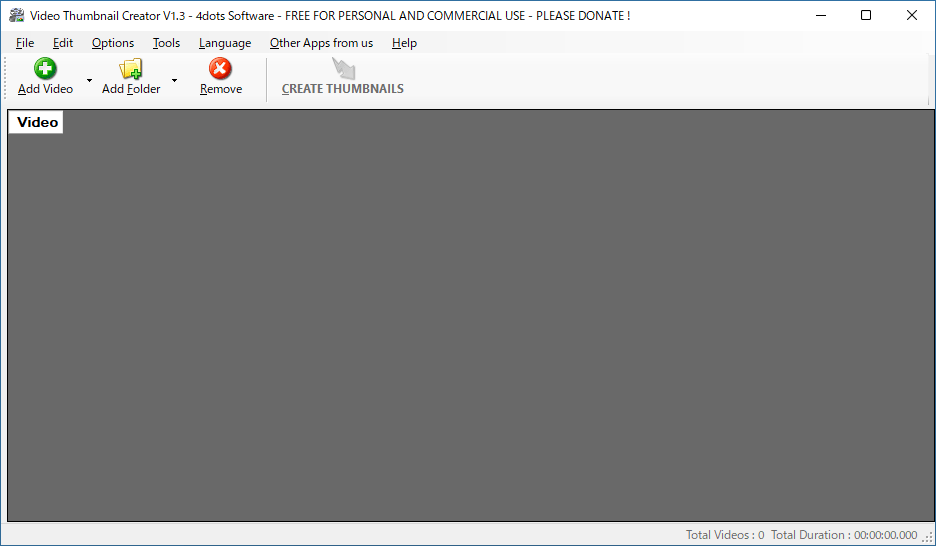
ユーザーインターフェース

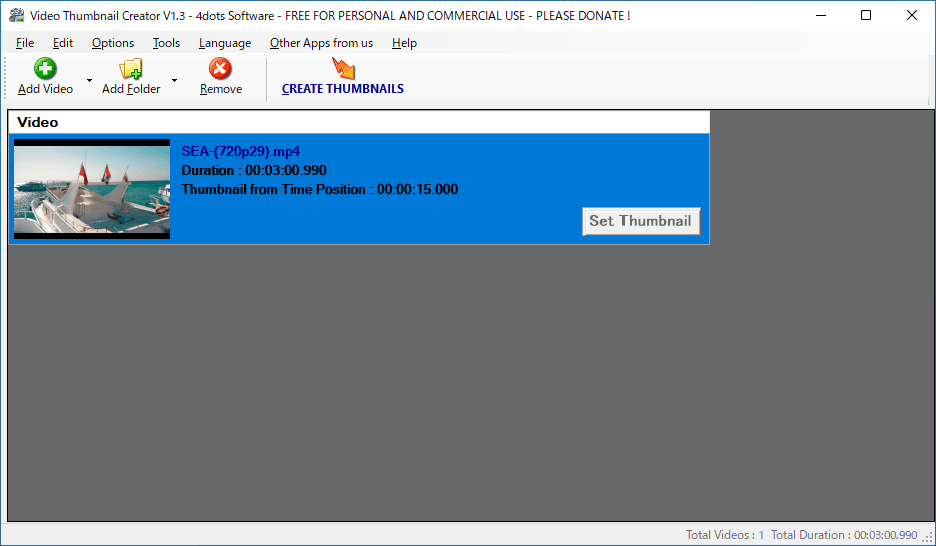
ビデオファイルの選択

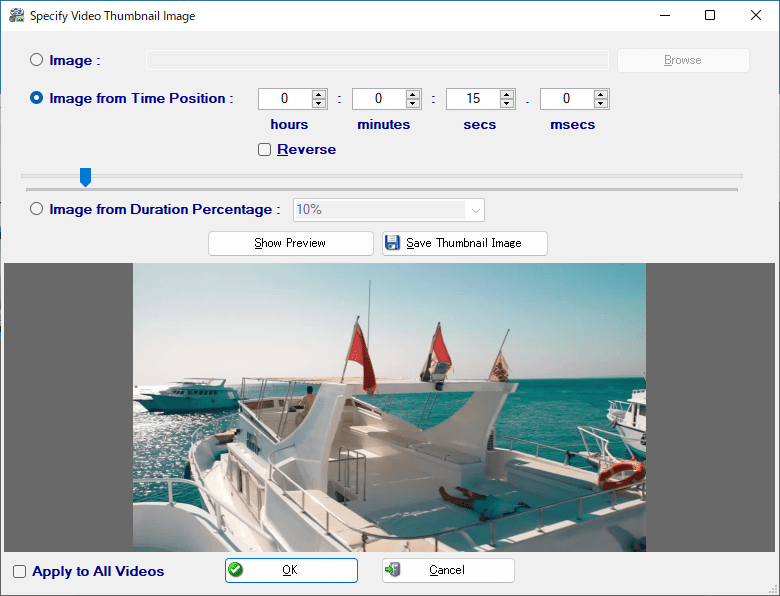
サムネイルの設定

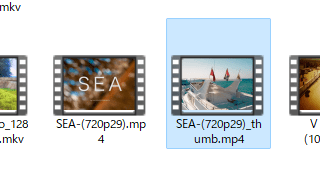
作成完了
使い方
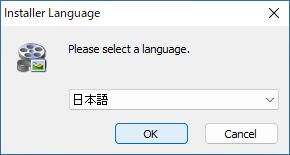
インストール
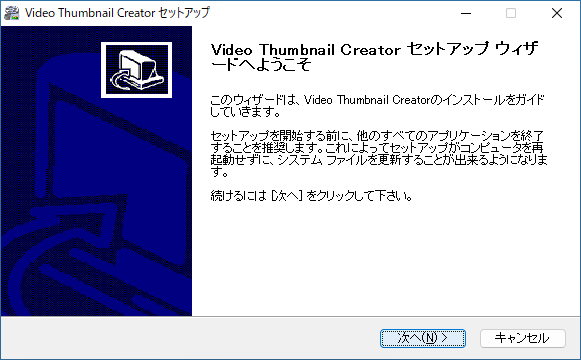
1.インストール方法

- セットアップウィザードが開始したら、[次へ]をクリックします。

- ライセンスが表示されます。[同意する]をクリックします。
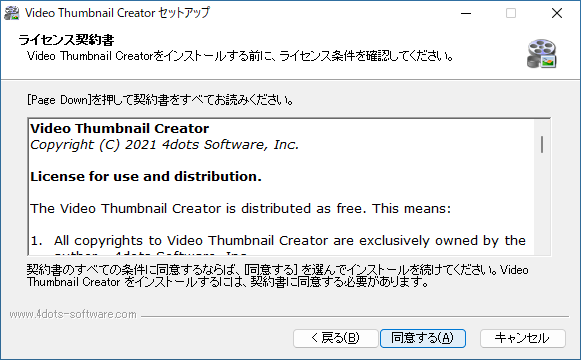
- インストール先を確認して、[次へ]をクリックします。
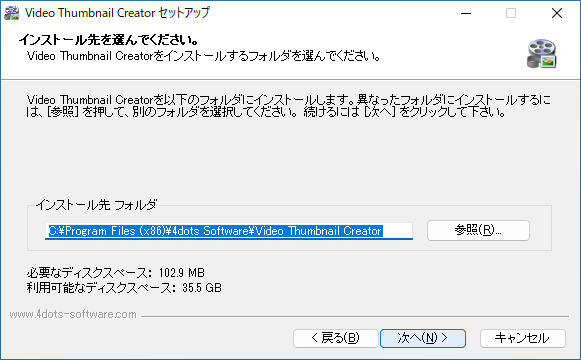
- [インストール]をクリックしてインストールを開始します。
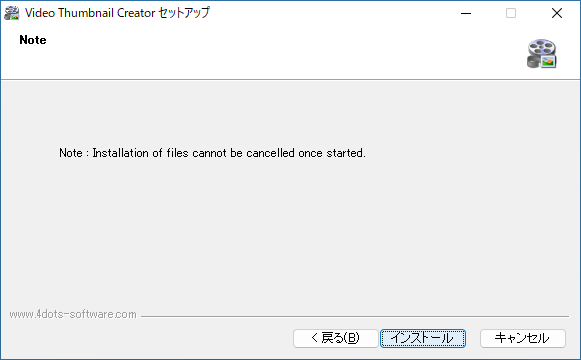
- 追加のタスク(ショートカットの作成)を設定して[次へ]をクリックします。
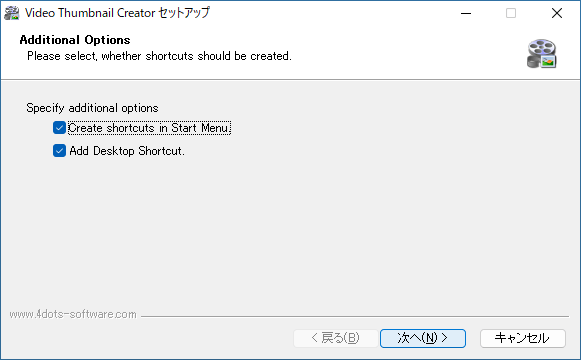
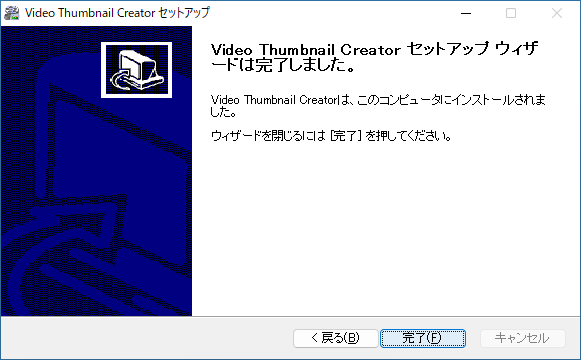
- [完了]をクリックしてセットアップウィザードを閉じます。
基本的な使い方
1. 基本的な使い方
- 「Add Video」または「Add Folder」をクリックして、サムネイルを変更したいビデオファイルを選択します。
- ビデオを追加したら、[Set Thumbnail]ボタンをクリックします。

- 「Image」を選択すると、好きな画像をビデオのサムネイルに設定できます。
- または「Image from Time Position」を選択して、サムネイルに使用するフレームの位置を選択します。
- または「Image from Duration Parcentage」を選択して、時間のパーセンテージを入力します。
- 設定が完了したら[OK]をクリックします。

- 「CREATE THUMBNAILS」をクリックして、サムネイルの作成を開始します。
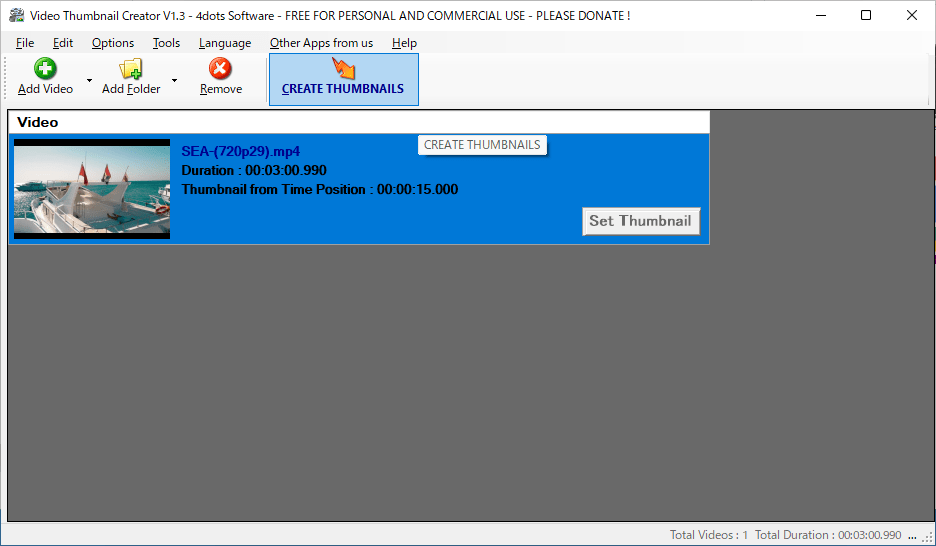
- オリジナルのビデオファイルと同じ場所に、新しいサムネイルのビデオが作成されます。
よくある質問と回答
ライセンスについて。
Video Thumbnail Creator は、どなたでも無料で使用できます。