").attr(n.scriptAttrs||{}).prop({charset:n.scriptCharset,src:n.url}).on("load error",i=function(e){r.remove(),i=null,e&&t("error"===e.type?404:200,e.type)}),C.head.appendChild(r[0])},abort:function(){i&&i()}}});var Jt,Kt=[],Zt=/(=)\?(?=&|$)|\?\?/;ce.ajaxSetup({jsonp:"callback",jsonpCallback:function(){var e=Kt.pop()||ce.expando+"_"+jt.guid++;return this[e]=!0,e}}),ce.ajaxPrefilter("json jsonp",function(e,t,n){var r,i,o,a=!1!==e.jsonp&&(Zt.test(e.url)?"url":"string"==typeof e.data&&0===(e.contentType||"").indexOf("application/x-www-form-urlencoded")&&Zt.test(e.data)&&"data");if(a||"jsonp"===e.dataTypes[0])return r=e.jsonpCallback=v(e.jsonpCallback)?e.jsonpCallback():e.jsonpCallback,a?e[a]=e[a].replace(Zt,"$1"+r):!1!==e.jsonp&&(e.url+=(At.test(e.url)?"&":"?")+e.jsonp+"="+r),e.converters["script json"]=function(){return o||ce.error(r+" was not called"),o[0]},e.dataTypes[0]="json",i=ie[r],ie[r]=function(){o=arguments},n.always(function(){void 0===i?ce(ie).removeProp(r):ie[r]=i,e[r]&&(e.jsonpCallback=t.jsonpCallback,Kt.push(r)),o&&v(i)&&i(o[0]),o=i=void 0}),"script"}),le.createHTMLDocument=((Jt=C.implementation.createHTMLDocument("").body).innerHTML="
",2===Jt.childNodes.length),ce.parseHTML=function(e,t,n){return"string"!=typeof e?[]:("boolean"==typeof t&&(n=t,t=!1),t||(le.createHTMLDocument?((r=(t=C.implementation.createHTMLDocument("")).createElement("base")).href=C.location.href,t.head.appendChild(r)):t=C),o=!n&&[],(i=w.exec(e))?[t.createElement(i[1])]:(i=Ae([e],t,o),o&&o.length&&ce(o).remove(),ce.merge([],i.childNodes)));var r,i,o},ce.fn.load=function(e,t,n){var r,i,o,a=this,s=e.indexOf(" ");return-1").append(ce.parseHTML(e)).find(r):e)}).always(n&&function(e,t){a.each(function(){n.apply(this,o||[e.responseText,t,e])})}),this},ce.expr.pseudos.animated=function(t){return ce.grep(ce.timers,function(e){return t===e.elem}).length},ce.offset={setOffset:function(e,t,n){var r,i,o,a,s,u,l=ce.css(e,"position"),c=ce(e),f={};"static"===l&&(e.style.position="relative"),s=c.offset(),o=ce.css(e,"top"),u=ce.css(e,"left"),("absolute"===l||"fixed"===l)&&-1<(o+u).indexOf("auto")?(a=(r=c.position()).top,i=r.left):(a=parseFloat(o)||0,i=parseFloat(u)||0),v(t)&&(t=t.call(e,n,ce.extend({},s))),null!=t.top&&(f.top=t.top-s.top+a),null!=t.left&&(f.left=t.left-s.left+i),"using"in t?t.using.call(e,f):c.css(f)}},ce.fn.extend({offset:function(t){if(arguments.length)return void 0===t?this:this.each(function(e){ce.offset.setOffset(this,t,e)});var e,n,r=this[0];return r?r.getClientRects().length?(e=r.getBoundingClientRect(),n=r.ownerDocument.defaultView,{top:e.top+n.pageYOffset,left:e.left+n.pageXOffset}):{top:0,left:0}:void 0},position:function(){if(this[0]){var e,t,n,r=this[0],i={top:0,left:0};if("fixed"===ce.css(r,"position"))t=r.getBoundingClientRect();else{t=this.offset(),n=r.ownerDocument,e=r.offsetParent||n.documentElement;while(e&&(e===n.body||e===n.documentElement)&&"static"===ce.css(e,"position"))e=e.parentNode;e&&e!==r&&1===e.nodeType&&((i=ce(e).offset()).top+=ce.css(e,"borderTopWidth",!0),i.left+=ce.css(e,"borderLeftWidth",!0))}return{top:t.top-i.top-ce.css(r,"marginTop",!0),left:t.left-i.left-ce.css(r,"marginLeft",!0)}}},offsetParent:function(){return this.map(function(){var e=this.offsetParent;while(e&&"static"===ce.css(e,"position"))e=e.offsetParent;return e||J})}}),ce.each({scrollLeft:"pageXOffset",scrollTop:"pageYOffset"},function(t,i){var o="pageYOffset"===i;ce.fn[t]=function(e){return M(this,function(e,t,n){var r;if(y(e)?r=e:9===e.nodeType&&(r=e.defaultView),void 0===n)return r?r[i]:e[t];r?r.scrollTo(o?r.pageXOffset:n,o?n:r.pageYOffset):e[t]=n},t,e,arguments.length)}}),ce.each(["top","left"],function(e,n){ce.cssHooks[n]=Ye(le.pixelPosition,function(e,t){if(t)return t=Ge(e,n),_e.test(t)?ce(e).position()[n]+"px":t})}),ce.each({Height:"height",Width:"width"},function(a,s){ce.each({padding:"inner"+a,content:s,"":"outer"+a},function(r,o){ce.fn[o]=function(e,t){var n=arguments.length&&(r||"boolean"!=typeof e),i=r||(!0===e||!0===t?"margin":"border");return M(this,function(e,t,n){var r;return y(e)?0===o.indexOf("outer")?e["inner"+a]:e.document.documentElement["client"+a]:9===e.nodeType?(r=e.documentElement,Math.max(e.body["scroll"+a],r["scroll"+a],e.body["offset"+a],r["offset"+a],r["client"+a])):void 0===n?ce.css(e,t,i):ce.style(e,t,n,i)},s,n?e:void 0,n)}})}),ce.each(["ajaxStart","ajaxStop","ajaxComplete","ajaxError","ajaxSuccess","ajaxSend"],function(e,t){ce.fn[t]=function(e){return this.on(t,e)}}),ce.fn.extend({bind:function(e,t,n){return this.on(e,null,t,n)},unbind:function(e,t){return this.off(e,null,t)},delegate:function(e,t,n,r){return this.on(t,e,n,r)},undelegate:function(e,t,n){return 1===arguments.length?this.off(e,"**"):this.off(t,e||"**",n)},hover:function(e,t){return this.on("mouseenter",e).on("mouseleave",t||e)}}),ce.each("blur focus focusin focusout resize scroll click dblclick mousedown mouseup mousemove mouseover mouseout mouseenter mouseleave change select submit keydown keypress keyup contextmenu".split(" "),function(e,n){ce.fn[n]=function(e,t){return 0
AnyMP4 スクリーンレコーダー 1.5.80
画面録画
2022/09/22 11:17
説明機能仕様ダウンロード画像使い方
再生中の動画やゲーム、スマホ画面なども録画することができる画面録画ソフト

パソコンの画面のほかに、再生中のオンライン動画やプレイ中のゲーム、ビデオ通話や Web カメラ、スマホ画面などを録画することができる、Windows および Mac 向けの高性能な画面録画ソフト。
AnyMP4 スクリーンレコーダー の概要
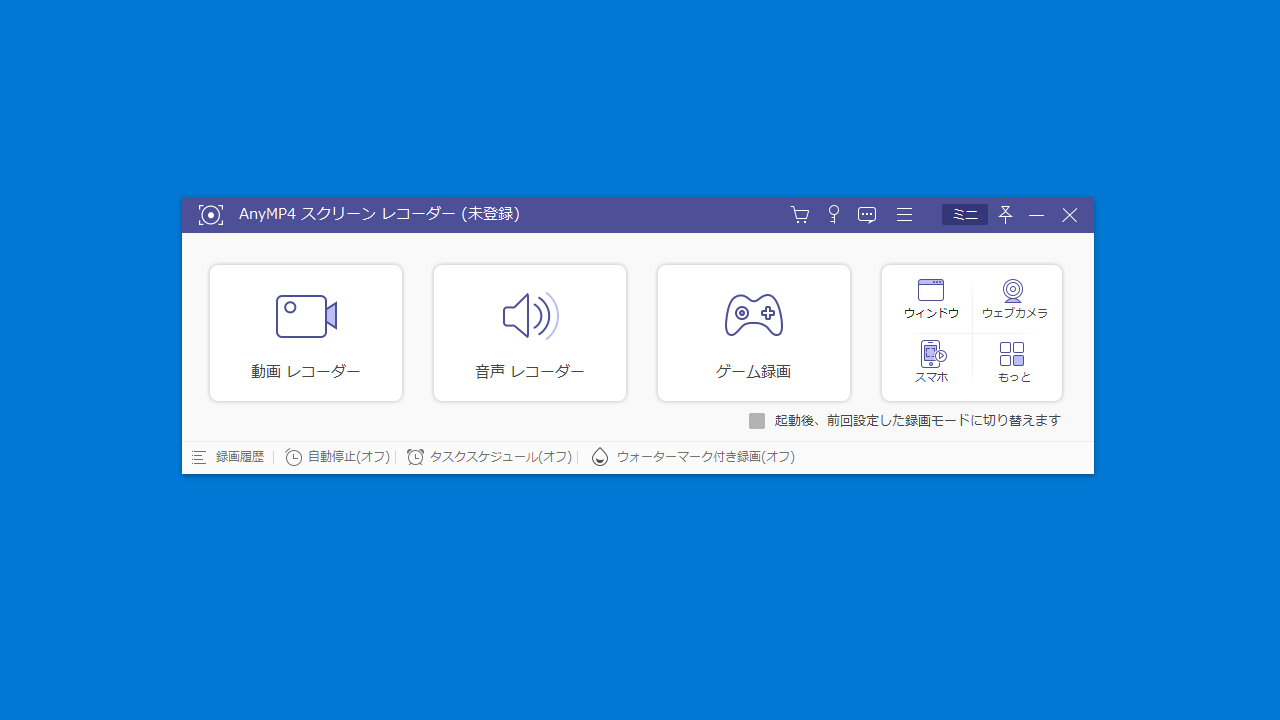
AnyMP4 スクリーンレコーダー は、かんたんに PC の画面や再生中の動画、ゲームや音楽 MV などのビデオを録画できる画面録画ソフトです。
AnyMP4 スクリーンレコーダー の機能
AnyMP4 スクリーンレコーダー の主な機能です。
| 機能 |
概要 |
| メイン機能 |
画面録画 |
| 機能詳細 |
・デスクトップ画面の録画(フルスクリーン、固定領域、Web カメラを含める)
・音声の録音(システム音声、マイク音声)
・ゲーム録画
・アプリのウィンドウ録画
・スマホ画面録画
・Web カメラ録画
・動画、音声のカット
・四角形、楕円、直線、矢印、フリーハンドペン、蛍光ペン、テキストなどの注釈を追加 |
PC 上のさまざまな画面を録画できます
AnyMP4 スクリーンレコーダー は、Windows で再生中の動画や、ゲーム画面、ビデオ通話、Web カメラなどを録画、キャプチャできる高性能な PC 画面録画フリーソフトです。
Facebook、ニコニコ、Metacafe、Facebook などのサイトからオンラインビデオを高画質で録画でき、Zoom 会議、Skype 通話などのオンライン通話をキャプチャーすることもできます。
高画質で録画または録音ができます
AnyMP4 スクリーンレコーダー を使用すると、デスクトップ上の画面を全画面や特定範囲で録画して、PC の操作画面や再生する動画などを記録したり、PC 画面と Web カメラを同時に録画したりできます。
また、必要に応じて、マイク音のみ、システム音のみ、または両方を同時に録音することができるので、音楽を録音したり、Skype 電話なども録音することができます。
フル機能を備えている高性能な画面録画ソフト
AnyMP4 スクリーンレコーダー は、PC のデスクトップ画面だけでなく、PC 音声を録音したり、ゲームや動画、Web カメラなどの録画にも対応している便利な画面録画ソフトウェアです。映像と音声を同時に収録し、録画画面に図形、線、文字、矢印などの注釈をつけることもできます。
機能
- 録画範囲を選択して、1080Pで任意のパソコンの画面を録画できます
- パソコン画面とウェブカメラで同時録画でき、解説動画を作成します
- システム音とマイク音を別々に、または同時に録音できます
- 多彩な編集機能で、録画する時にさまざまなチュートリアル注釈を追加できます
トライアル版で制限されている機能:
- 録画時間は 3 分まで
- 動画やオーディオのカット
- ノイズキャンセル機能
- スクリーンショットにはウォーターマークが付きます
価格:無料(トライアル版の使用)
動作環境:Windows 7|8|8.1|10|11・Mac
使用言語:日本語ほかマルチ言語
最終更新日:
2年前 (2023/12/29)
ダウンロード数:1002
画像

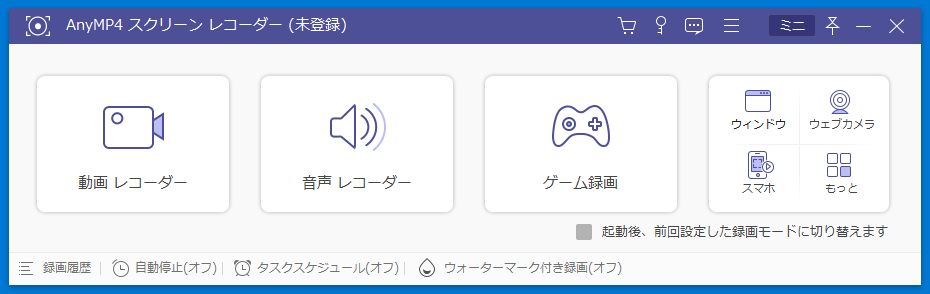
ユーザーインターフェース

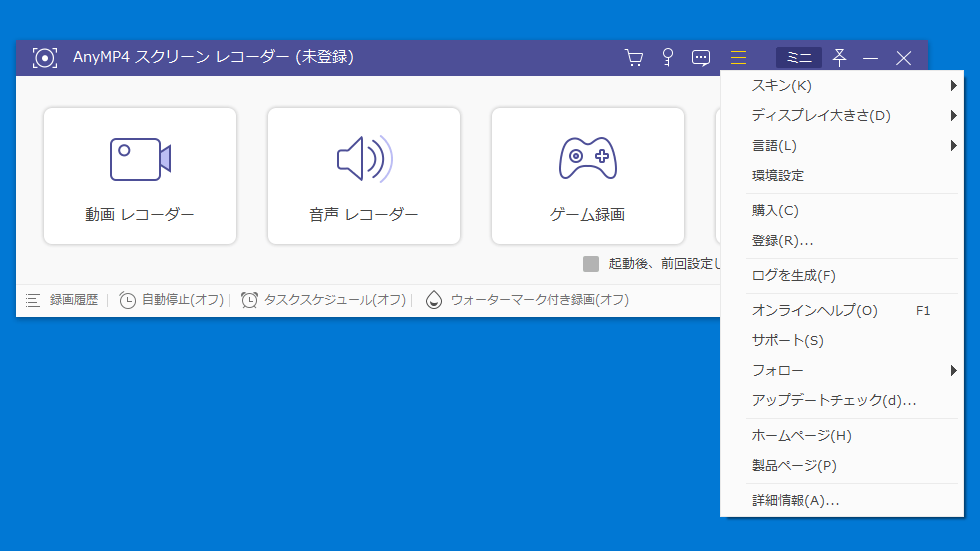
メニュー

動画レコーダー

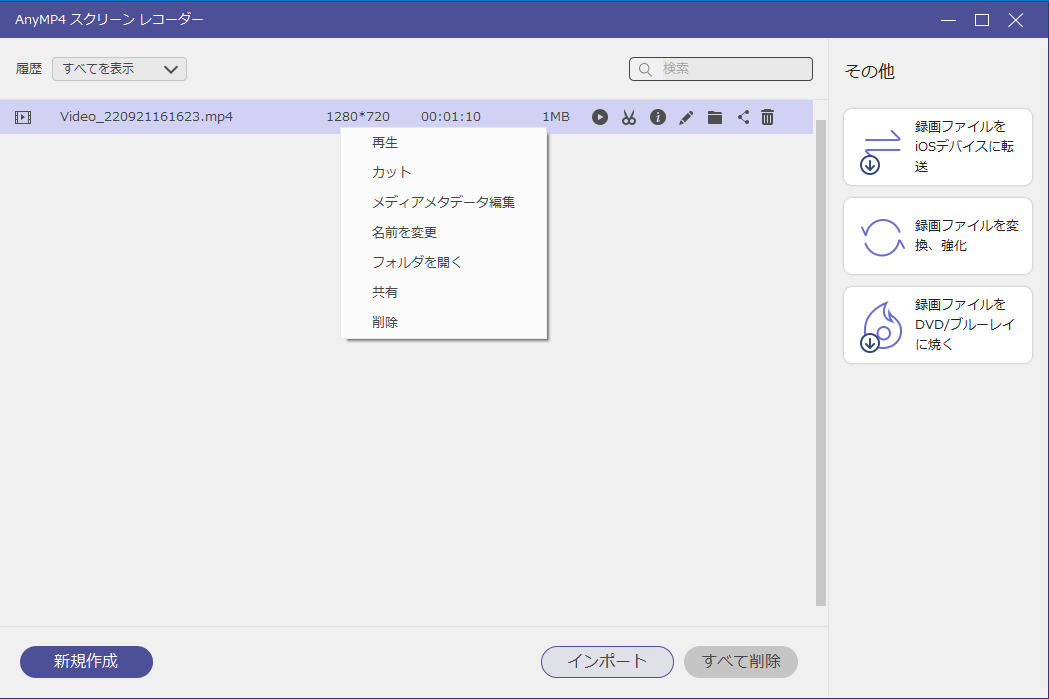
動画管理画面
使い方
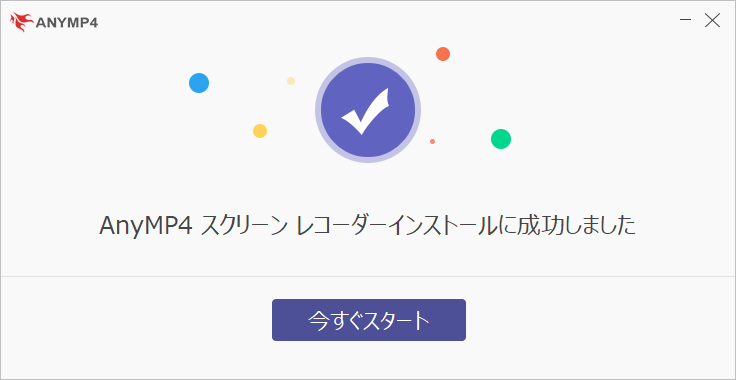
インストール
1.インストール方法
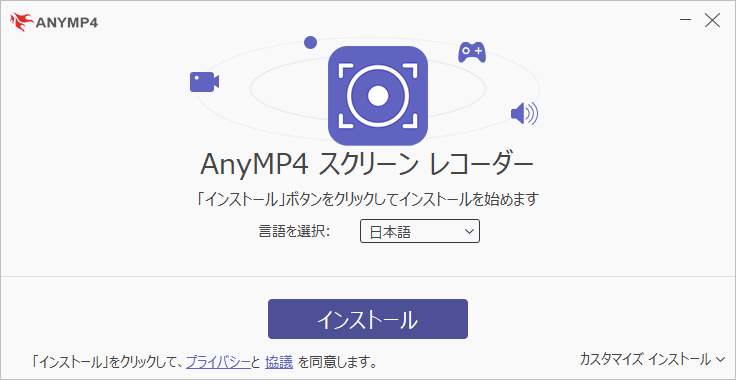
- セットアップウィザードが開始します。[インストール]ボタンをクリックするとインストールが開始します。

基本的な使い方
1. 基本的な使い方
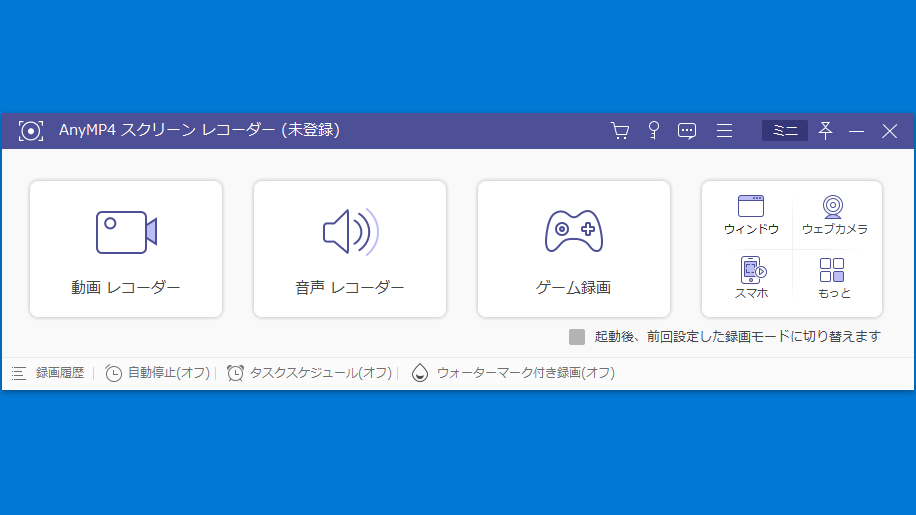
- AnyMP4 スクリーンレコーダー を起動したら、録画したい方法を選択してクリックします。

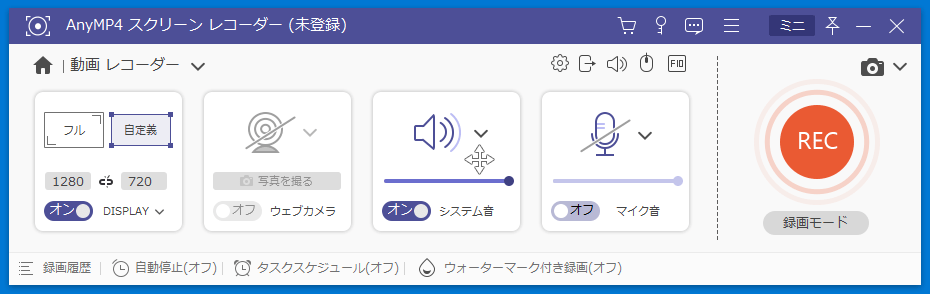
- 「動画レコーダー」の場合、録画の設定をして[REC]ボタンをクリックすると録画が開始します。

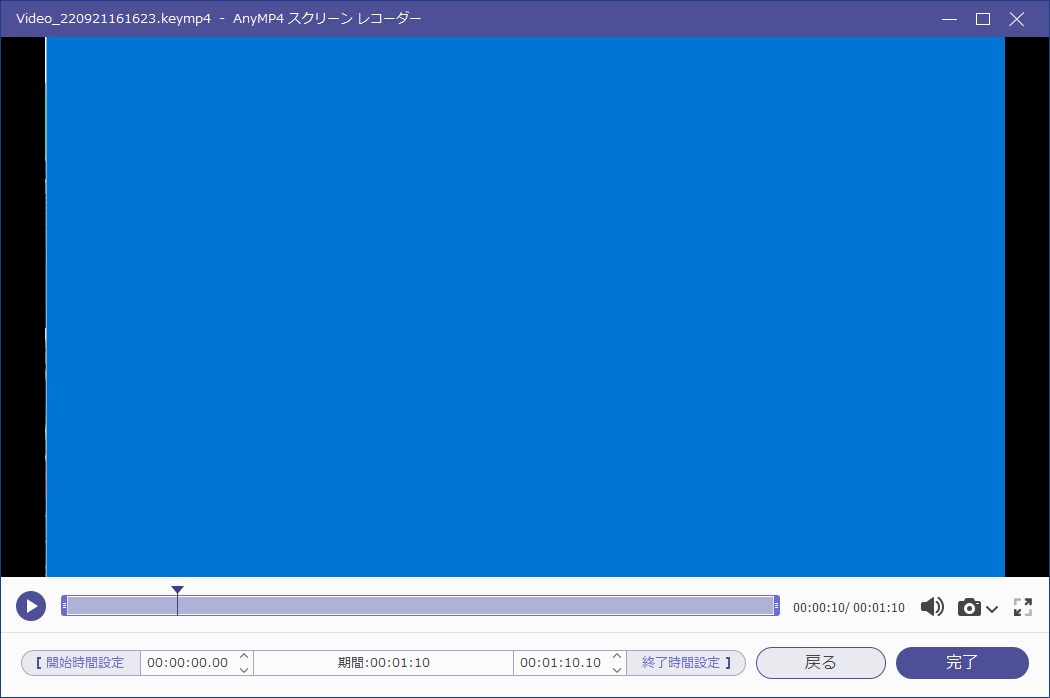
- 録画化完了すると、動画が再生されます。ここの画面では動画のカットを行うことができます。
- [完了]をクリックすると、録画が保存されます。
よくある質問と回答
ライセンスについて。
AnyMP4 スクリーンレコーダー は、どなたでも無料で使用できます。制限なく機能を使用するには購入が必要です。