").attr(n.scriptAttrs||{}).prop({charset:n.scriptCharset,src:n.url}).on("load error",i=function(e){r.remove(),i=null,e&&t("error"===e.type?404:200,e.type)}),C.head.appendChild(r[0])},abort:function(){i&&i()}}});var Jt,Kt=[],Zt=/(=)\?(?=&|$)|\?\?/;ce.ajaxSetup({jsonp:"callback",jsonpCallback:function(){var e=Kt.pop()||ce.expando+"_"+jt.guid++;return this[e]=!0,e}}),ce.ajaxPrefilter("json jsonp",function(e,t,n){var r,i,o,a=!1!==e.jsonp&&(Zt.test(e.url)?"url":"string"==typeof e.data&&0===(e.contentType||"").indexOf("application/x-www-form-urlencoded")&&Zt.test(e.data)&&"data");if(a||"jsonp"===e.dataTypes[0])return r=e.jsonpCallback=v(e.jsonpCallback)?e.jsonpCallback():e.jsonpCallback,a?e[a]=e[a].replace(Zt,"$1"+r):!1!==e.jsonp&&(e.url+=(At.test(e.url)?"&":"?")+e.jsonp+"="+r),e.converters["script json"]=function(){return o||ce.error(r+" was not called"),o[0]},e.dataTypes[0]="json",i=ie[r],ie[r]=function(){o=arguments},n.always(function(){void 0===i?ce(ie).removeProp(r):ie[r]=i,e[r]&&(e.jsonpCallback=t.jsonpCallback,Kt.push(r)),o&&v(i)&&i(o[0]),o=i=void 0}),"script"}),le.createHTMLDocument=((Jt=C.implementation.createHTMLDocument("").body).innerHTML="
",2===Jt.childNodes.length),ce.parseHTML=function(e,t,n){return"string"!=typeof e?[]:("boolean"==typeof t&&(n=t,t=!1),t||(le.createHTMLDocument?((r=(t=C.implementation.createHTMLDocument("")).createElement("base")).href=C.location.href,t.head.appendChild(r)):t=C),o=!n&&[],(i=w.exec(e))?[t.createElement(i[1])]:(i=Ae([e],t,o),o&&o.length&&ce(o).remove(),ce.merge([],i.childNodes)));var r,i,o},ce.fn.load=function(e,t,n){var r,i,o,a=this,s=e.indexOf(" ");return-1").append(ce.parseHTML(e)).find(r):e)}).always(n&&function(e,t){a.each(function(){n.apply(this,o||[e.responseText,t,e])})}),this},ce.expr.pseudos.animated=function(t){return ce.grep(ce.timers,function(e){return t===e.elem}).length},ce.offset={setOffset:function(e,t,n){var r,i,o,a,s,u,l=ce.css(e,"position"),c=ce(e),f={};"static"===l&&(e.style.position="relative"),s=c.offset(),o=ce.css(e,"top"),u=ce.css(e,"left"),("absolute"===l||"fixed"===l)&&-1<(o+u).indexOf("auto")?(a=(r=c.position()).top,i=r.left):(a=parseFloat(o)||0,i=parseFloat(u)||0),v(t)&&(t=t.call(e,n,ce.extend({},s))),null!=t.top&&(f.top=t.top-s.top+a),null!=t.left&&(f.left=t.left-s.left+i),"using"in t?t.using.call(e,f):c.css(f)}},ce.fn.extend({offset:function(t){if(arguments.length)return void 0===t?this:this.each(function(e){ce.offset.setOffset(this,t,e)});var e,n,r=this[0];return r?r.getClientRects().length?(e=r.getBoundingClientRect(),n=r.ownerDocument.defaultView,{top:e.top+n.pageYOffset,left:e.left+n.pageXOffset}):{top:0,left:0}:void 0},position:function(){if(this[0]){var e,t,n,r=this[0],i={top:0,left:0};if("fixed"===ce.css(r,"position"))t=r.getBoundingClientRect();else{t=this.offset(),n=r.ownerDocument,e=r.offsetParent||n.documentElement;while(e&&(e===n.body||e===n.documentElement)&&"static"===ce.css(e,"position"))e=e.parentNode;e&&e!==r&&1===e.nodeType&&((i=ce(e).offset()).top+=ce.css(e,"borderTopWidth",!0),i.left+=ce.css(e,"borderLeftWidth",!0))}return{top:t.top-i.top-ce.css(r,"marginTop",!0),left:t.left-i.left-ce.css(r,"marginLeft",!0)}}},offsetParent:function(){return this.map(function(){var e=this.offsetParent;while(e&&"static"===ce.css(e,"position"))e=e.offsetParent;return e||J})}}),ce.each({scrollLeft:"pageXOffset",scrollTop:"pageYOffset"},function(t,i){var o="pageYOffset"===i;ce.fn[t]=function(e){return M(this,function(e,t,n){var r;if(y(e)?r=e:9===e.nodeType&&(r=e.defaultView),void 0===n)return r?r[i]:e[t];r?r.scrollTo(o?r.pageXOffset:n,o?n:r.pageYOffset):e[t]=n},t,e,arguments.length)}}),ce.each(["top","left"],function(e,n){ce.cssHooks[n]=Ye(le.pixelPosition,function(e,t){if(t)return t=Ge(e,n),_e.test(t)?ce(e).position()[n]+"px":t})}),ce.each({Height:"height",Width:"width"},function(a,s){ce.each({padding:"inner"+a,content:s,"":"outer"+a},function(r,o){ce.fn[o]=function(e,t){var n=arguments.length&&(r||"boolean"!=typeof e),i=r||(!0===e||!0===t?"margin":"border");return M(this,function(e,t,n){var r;return y(e)?0===o.indexOf("outer")?e["inner"+a]:e.document.documentElement["client"+a]:9===e.nodeType?(r=e.documentElement,Math.max(e.body["scroll"+a],r["scroll"+a],e.body["offset"+a],r["offset"+a],r["client"+a])):void 0===n?ce.css(e,t,i):ce.style(e,t,n,i)},s,n?e:void 0,n)}})}),ce.each(["ajaxStart","ajaxStop","ajaxComplete","ajaxError","ajaxSuccess","ajaxSend"],function(e,t){ce.fn[t]=function(e){return this.on(t,e)}}),ce.fn.extend({bind:function(e,t,n){return this.on(e,null,t,n)},unbind:function(e,t){return this.off(e,null,t)},delegate:function(e,t,n,r){return this.on(t,e,n,r)},undelegate:function(e,t,n){return 1===arguments.length?this.off(e,"**"):this.off(t,e||"**",n)},hover:function(e,t){return this.on("mouseenter",e).on("mouseleave",t||e)}}),ce.each("blur focus focusin focusout resize scroll click dblclick mousedown mouseup mousemove mouseover mouseout mouseenter mouseleave change select submit keydown keypress keyup contextmenu".split(" "),function(e,n){ce.fn[n]=function(e,t){return 0
MyKeyFinder 2026.15
プロダクトキーリカバリ
2021/05/17 13:32
説明機能仕様ダウンロード画像使い方
Windows や MS Office などのプロダクトキーを表示するツール

OS に保存されている Windows や Microsoft Office のプロダクトキーや、そのほかの種類のプロダクトキー(シリアルナンバー)情報を表示するツール。キーをクリップボードにコピーしたり、新しいキーを保存できます。
MyKeyFinder の概要
MyKeyFinder は、オペレーティングシステム内に保存されている Windows や Microsoft Office のプロダクトキーや、そのほかの種類のプロダクトキー(シリアルナンバー)情報を表示するツールです。
MyKeyFinder の機能
MyKeyFinder の主な機能です。
| 機能 |
概要 |
| メイン機能 |
プロダクトキーを表示 |
| 機能詳細 |
・Windows のプロダクトキーを表示
・MS Office のプロダクトキーを表示
・そのほかのプロダクトキー(シリアルナンバー)を表示
・キーをクリップボードにコピー
・エントリを手動で追加
・すべてのエントリを印刷/PDF に保存 |
Windows や MS Office などのプロダクトキーを表示します
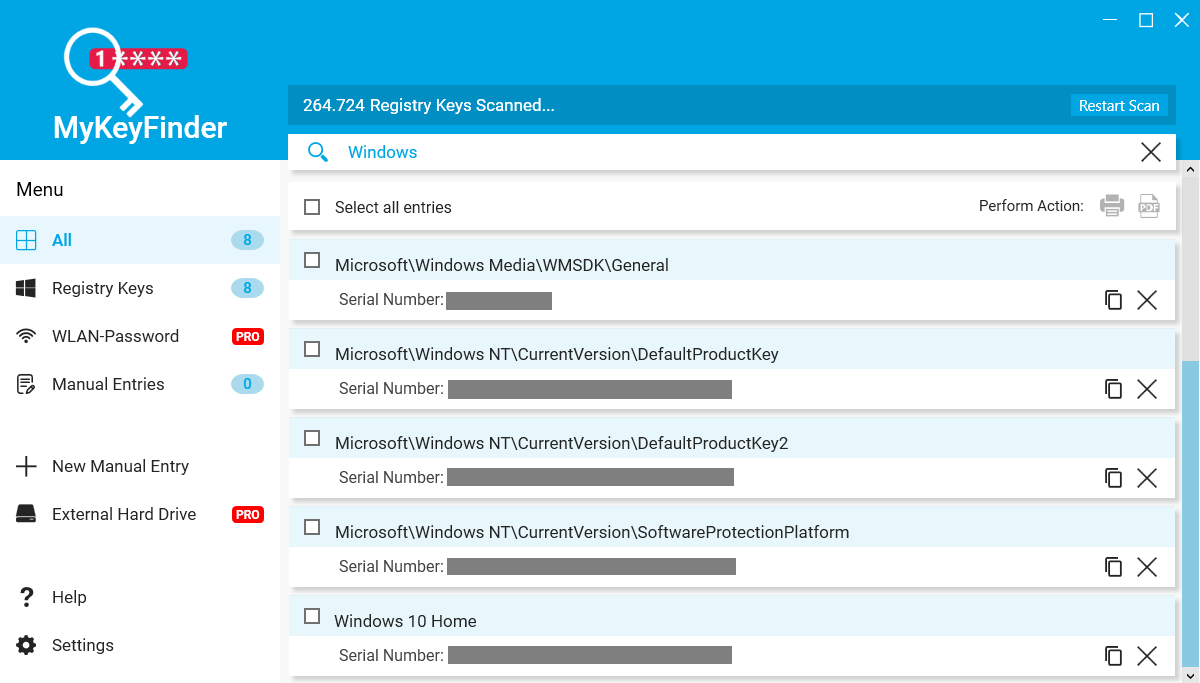
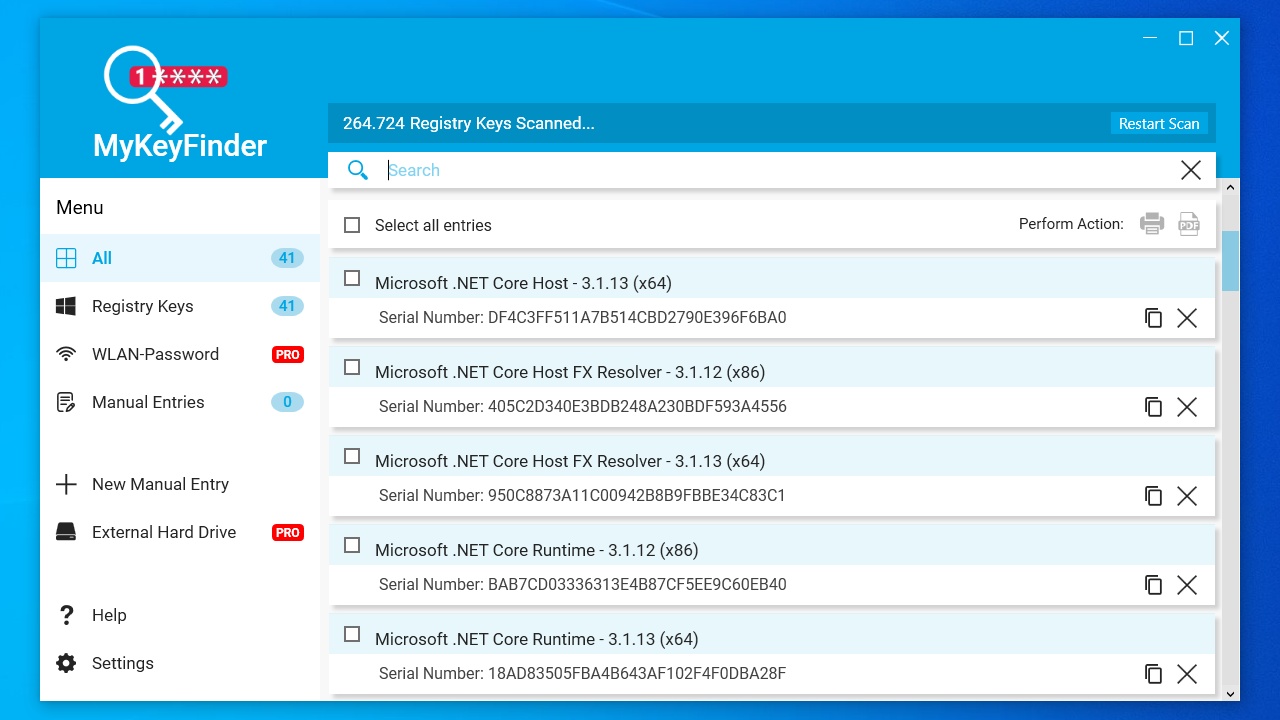
MyKeyFinder は、システムのレジストリをスキャンし、レジストリに含まれているプロダクトキー/シリアルナンバー情報を一覧表示するアプリケーションです。
主に、Windows OS や MS Office 製品のプロダクトキーナンバーを確認したりコピーしたい場合に役に立ちます。キーはクリップボードにコピーすることができます。
すべてのキー情報を保存したり、新しいキー情報を追加できます
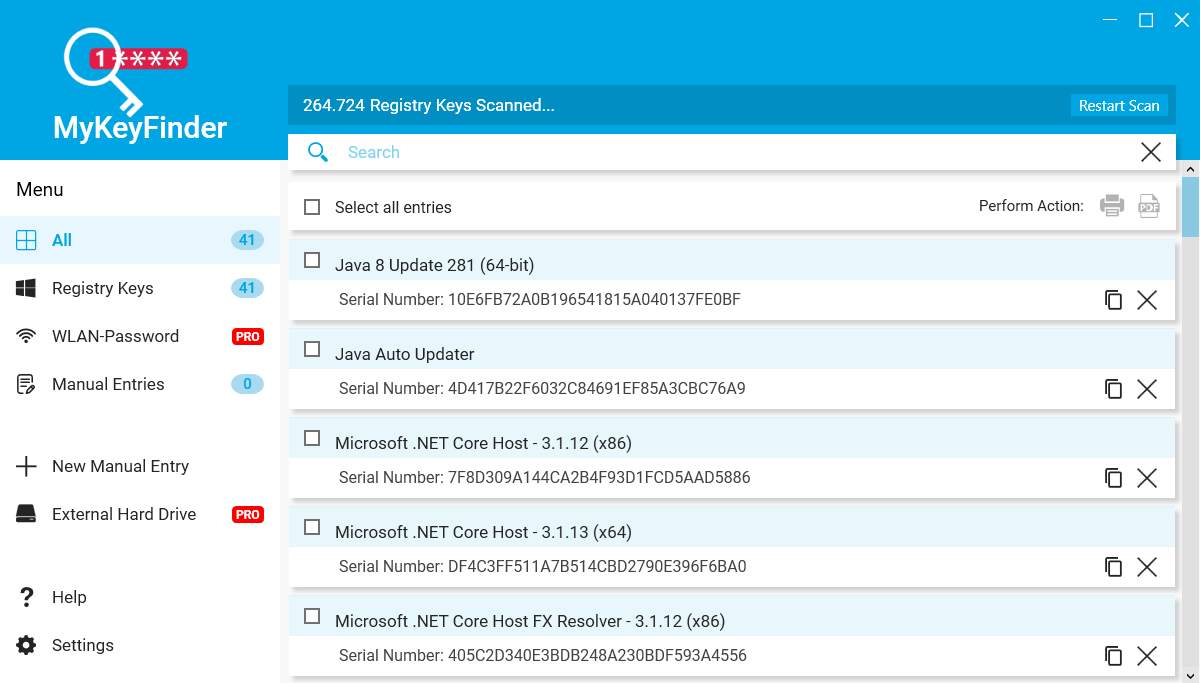
MyKeyFinder は コンピュータのレジストリ内に存在するすべてのプロダクトキー情報を一覧表示します。全体のリストは印刷したり PDF で保存できます。
また、このアプリを使用すると新しいキーをレジストリに登録することもできるので、特定のプログラムのプロダクトキーを保存しておきたい場合に役に立ちます。
プロダクトキーリカバリツール
MyKeyFinder は、Microsoft 製品やそのほかのプロダクトキーを確認したりコピーしたい場合に役に立つアプリケーションです。表示したくないキーは無視リストに追加して除外することができます。
機能
- Windows のプロダクトキーを表示
- MS Office のプロダクトキーを表示
- そのほかのプロダクトキー(シリアルナンバー)を表示
- キーをコピー
- すべてのエントリを印刷または PDF に保存
- キーを手動で追加
- 無視リスト機能
無料版で制限されている機能:
- Wi-Fi パスワードの表示
- 外付けハードドライブのスキャン
価格:無料
動作環境:Windows 7|8|8.1|10|11
使用言語:英語ほか
最終更新日:
10か月前 (2025/06/19)
ダウンロード数:888
使い方
インストール
1.インストール方法
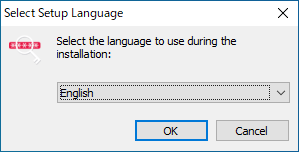
- インストーラを実行したら、言語を選択して[OK]をクリックします。

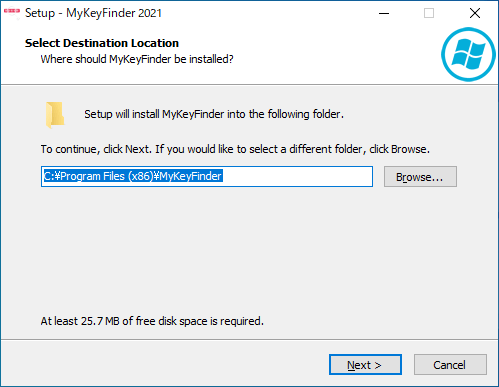
- インストール先を指定して[Next]をクリックします。

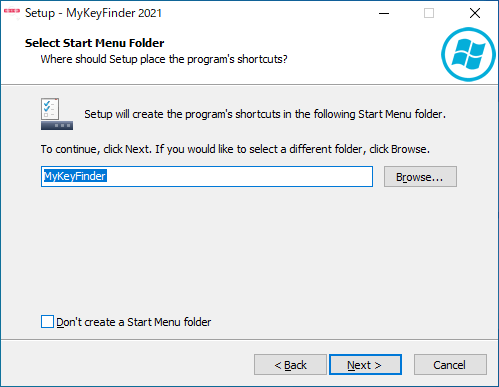
- スタートメニューに作成するショートカットを指定して[Next]をクリックします。
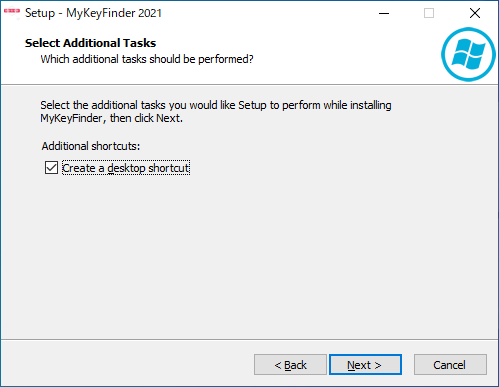
- 追加のタスクを選択して[Next]をクリックします。
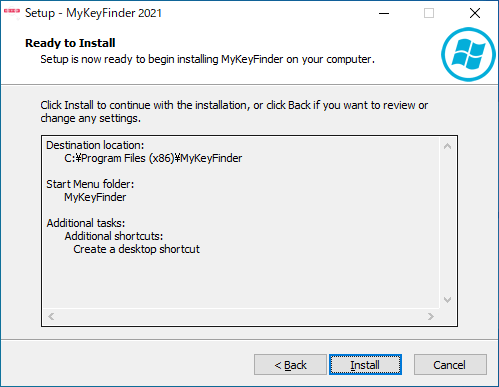
- インストールの準備ができました。[Install]をクリックしてインストールを開始します。
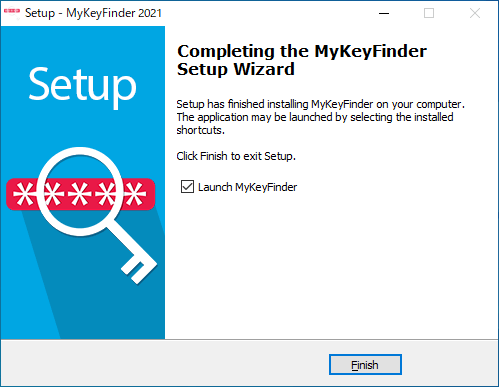
- インストールが完了しました。[完了]をクリックしてセットアップウィザードを閉じます。
登録方法
1.フリーレジストレーション
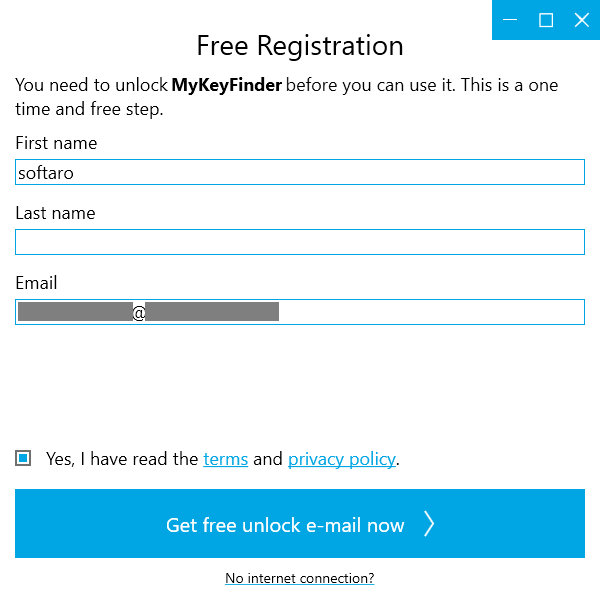
MyKeyFinder を使用するにはメールアドレスの登録が必要です。
- 名前とメールアドレスを入力して[Get free unlock e-mail now]をクリックします。
- 先ほど入力したメールアドレス宛に、アクティベーション用のリンクが送信されるので、リンクをクリックします。
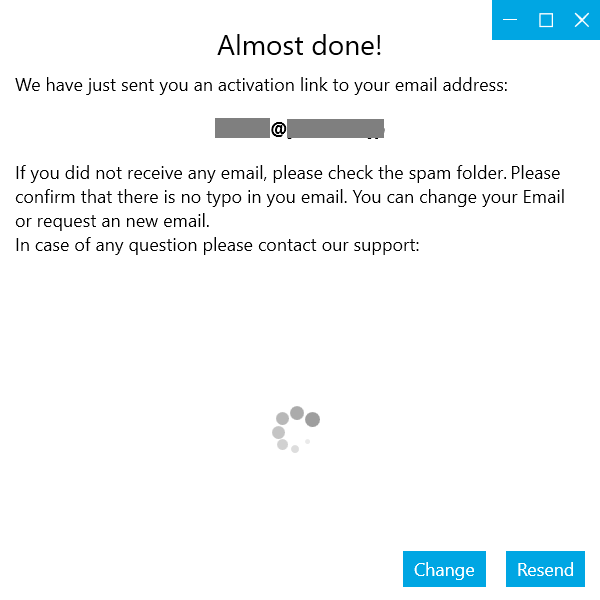
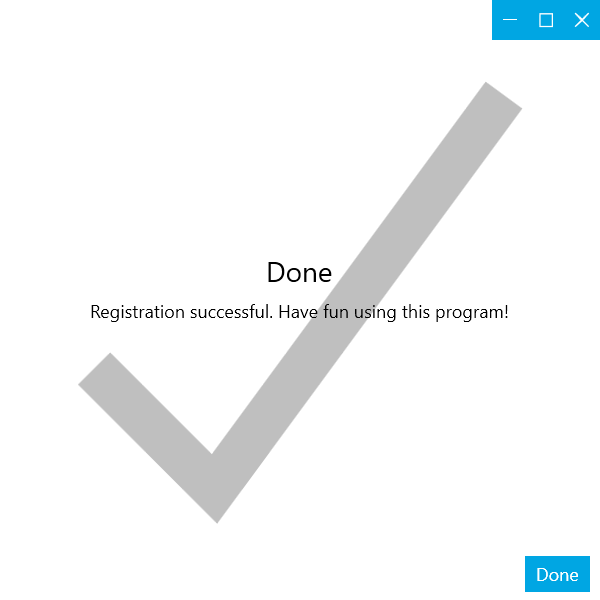
- アクティベーションが完了しました。[Done]をクリックしてウィンドウを閉じます。
基本的な使い方
1.プロダクトキーを表示する
- MyKeyFinder を起動すると、自動的にレジストリのスキャンが開始し、シリアルナンバー(プロダクトキー)情報が表示されます。

- 検索フィールドに文字列を入力して検索することができます。
- 右端のノートのアイコンをクリックするとキーの値をコピーできます。
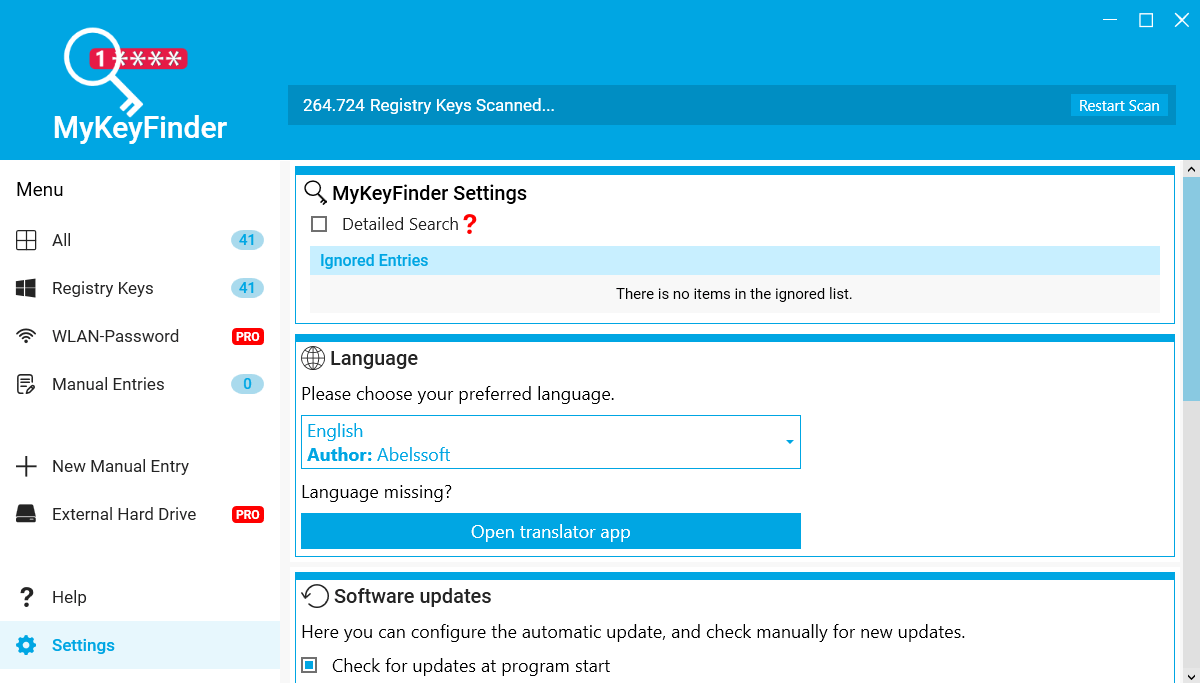
- 「×」アイコンをクリックすると無視リストに追加され、その項目は表示されなくなります。
- エントリを選択すると、右上のアイコンから、印刷したり PDF に保存することができます。

2.エントリを手動で追加する
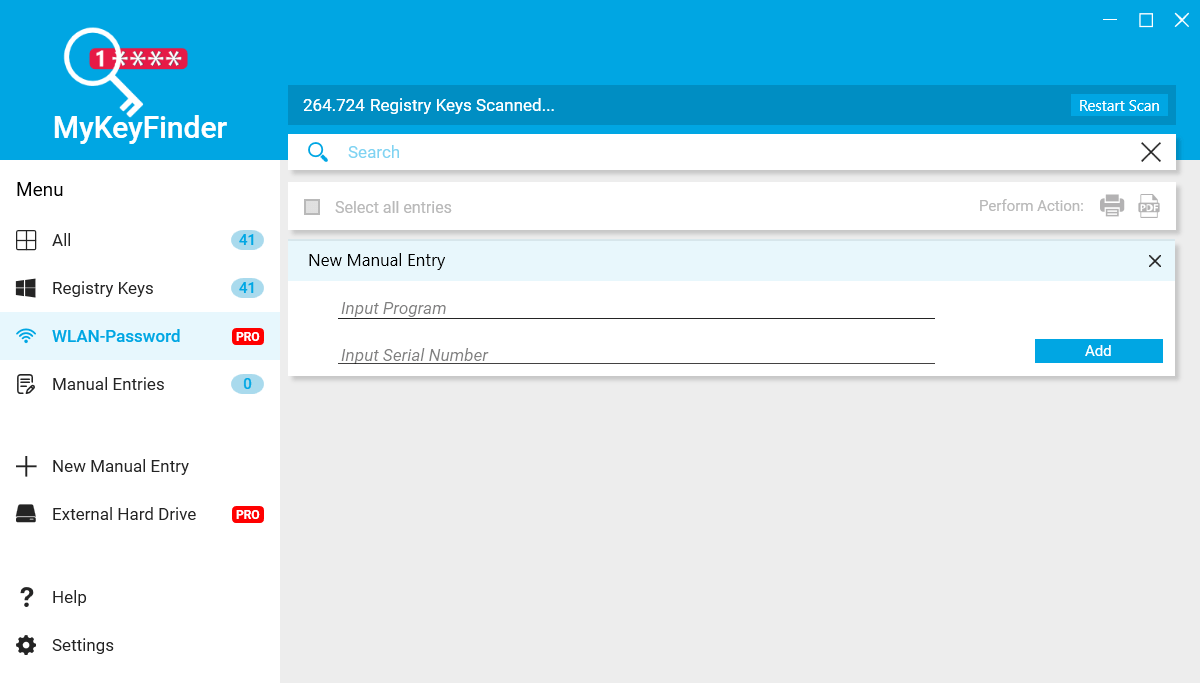
- 「+ New Manual Entries」をクリックすると、新しいエントリをレジストリに追加できます。

よくある質問と回答
ライセンスについて。
MyKeyFinder は、どなたでも無料で使用できます。有償版で利用可能な一部の機能は制限されています。