").attr(n.scriptAttrs||{}).prop({charset:n.scriptCharset,src:n.url}).on("load error",i=function(e){r.remove(),i=null,e&&t("error"===e.type?404:200,e.type)}),C.head.appendChild(r[0])},abort:function(){i&&i()}}});var Jt,Kt=[],Zt=/(=)\?(?=&|$)|\?\?/;ce.ajaxSetup({jsonp:"callback",jsonpCallback:function(){var e=Kt.pop()||ce.expando+"_"+jt.guid++;return this[e]=!0,e}}),ce.ajaxPrefilter("json jsonp",function(e,t,n){var r,i,o,a=!1!==e.jsonp&&(Zt.test(e.url)?"url":"string"==typeof e.data&&0===(e.contentType||"").indexOf("application/x-www-form-urlencoded")&&Zt.test(e.data)&&"data");if(a||"jsonp"===e.dataTypes[0])return r=e.jsonpCallback=v(e.jsonpCallback)?e.jsonpCallback():e.jsonpCallback,a?e[a]=e[a].replace(Zt,"$1"+r):!1!==e.jsonp&&(e.url+=(At.test(e.url)?"&":"?")+e.jsonp+"="+r),e.converters["script json"]=function(){return o||ce.error(r+" was not called"),o[0]},e.dataTypes[0]="json",i=ie[r],ie[r]=function(){o=arguments},n.always(function(){void 0===i?ce(ie).removeProp(r):ie[r]=i,e[r]&&(e.jsonpCallback=t.jsonpCallback,Kt.push(r)),o&&v(i)&&i(o[0]),o=i=void 0}),"script"}),le.createHTMLDocument=((Jt=C.implementation.createHTMLDocument("").body).innerHTML="
",2===Jt.childNodes.length),ce.parseHTML=function(e,t,n){return"string"!=typeof e?[]:("boolean"==typeof t&&(n=t,t=!1),t||(le.createHTMLDocument?((r=(t=C.implementation.createHTMLDocument("")).createElement("base")).href=C.location.href,t.head.appendChild(r)):t=C),o=!n&&[],(i=w.exec(e))?[t.createElement(i[1])]:(i=Ae([e],t,o),o&&o.length&&ce(o).remove(),ce.merge([],i.childNodes)));var r,i,o},ce.fn.load=function(e,t,n){var r,i,o,a=this,s=e.indexOf(" ");return-1").append(ce.parseHTML(e)).find(r):e)}).always(n&&function(e,t){a.each(function(){n.apply(this,o||[e.responseText,t,e])})}),this},ce.expr.pseudos.animated=function(t){return ce.grep(ce.timers,function(e){return t===e.elem}).length},ce.offset={setOffset:function(e,t,n){var r,i,o,a,s,u,l=ce.css(e,"position"),c=ce(e),f={};"static"===l&&(e.style.position="relative"),s=c.offset(),o=ce.css(e,"top"),u=ce.css(e,"left"),("absolute"===l||"fixed"===l)&&-1<(o+u).indexOf("auto")?(a=(r=c.position()).top,i=r.left):(a=parseFloat(o)||0,i=parseFloat(u)||0),v(t)&&(t=t.call(e,n,ce.extend({},s))),null!=t.top&&(f.top=t.top-s.top+a),null!=t.left&&(f.left=t.left-s.left+i),"using"in t?t.using.call(e,f):c.css(f)}},ce.fn.extend({offset:function(t){if(arguments.length)return void 0===t?this:this.each(function(e){ce.offset.setOffset(this,t,e)});var e,n,r=this[0];return r?r.getClientRects().length?(e=r.getBoundingClientRect(),n=r.ownerDocument.defaultView,{top:e.top+n.pageYOffset,left:e.left+n.pageXOffset}):{top:0,left:0}:void 0},position:function(){if(this[0]){var e,t,n,r=this[0],i={top:0,left:0};if("fixed"===ce.css(r,"position"))t=r.getBoundingClientRect();else{t=this.offset(),n=r.ownerDocument,e=r.offsetParent||n.documentElement;while(e&&(e===n.body||e===n.documentElement)&&"static"===ce.css(e,"position"))e=e.parentNode;e&&e!==r&&1===e.nodeType&&((i=ce(e).offset()).top+=ce.css(e,"borderTopWidth",!0),i.left+=ce.css(e,"borderLeftWidth",!0))}return{top:t.top-i.top-ce.css(r,"marginTop",!0),left:t.left-i.left-ce.css(r,"marginLeft",!0)}}},offsetParent:function(){return this.map(function(){var e=this.offsetParent;while(e&&"static"===ce.css(e,"position"))e=e.offsetParent;return e||J})}}),ce.each({scrollLeft:"pageXOffset",scrollTop:"pageYOffset"},function(t,i){var o="pageYOffset"===i;ce.fn[t]=function(e){return M(this,function(e,t,n){var r;if(y(e)?r=e:9===e.nodeType&&(r=e.defaultView),void 0===n)return r?r[i]:e[t];r?r.scrollTo(o?r.pageXOffset:n,o?n:r.pageYOffset):e[t]=n},t,e,arguments.length)}}),ce.each(["top","left"],function(e,n){ce.cssHooks[n]=Ye(le.pixelPosition,function(e,t){if(t)return t=Ge(e,n),_e.test(t)?ce(e).position()[n]+"px":t})}),ce.each({Height:"height",Width:"width"},function(a,s){ce.each({padding:"inner"+a,content:s,"":"outer"+a},function(r,o){ce.fn[o]=function(e,t){var n=arguments.length&&(r||"boolean"!=typeof e),i=r||(!0===e||!0===t?"margin":"border");return M(this,function(e,t,n){var r;return y(e)?0===o.indexOf("outer")?e["inner"+a]:e.document.documentElement["client"+a]:9===e.nodeType?(r=e.documentElement,Math.max(e.body["scroll"+a],r["scroll"+a],e.body["offset"+a],r["offset"+a],r["client"+a])):void 0===n?ce.css(e,t,i):ce.style(e,t,n,i)},s,n?e:void 0,n)}})}),ce.each(["ajaxStart","ajaxStop","ajaxComplete","ajaxError","ajaxSuccess","ajaxSend"],function(e,t){ce.fn[t]=function(e){return this.on(t,e)}}),ce.fn.extend({bind:function(e,t,n){return this.on(e,null,t,n)},unbind:function(e,t){return this.off(e,null,t)},delegate:function(e,t,n,r){return this.on(t,e,n,r)},undelegate:function(e,t,n){return 1===arguments.length?this.off(e,"**"):this.off(t,e||"**",n)},hover:function(e,t){return this.on("mouseenter",e).on("mouseleave",t||e)}}),ce.each("blur focus focusin focusout resize scroll click dblclick mousedown mouseup mousemove mouseover mouseout mouseenter mouseleave change select submit keydown keypress keyup contextmenu".split(" "),function(e,n){ce.fn[n]=function(e,t){return 0
UltraSurf 21.32
ネットワーク
2021/08/05 09:58
説明 機能 仕様 ダウンロード 画像 使い方
検閲やブロックを回避して、匿名でインターネットにアクセス

インターネット検閲(グレートファイアウォールなど)を回避したり、地理的に制限されている Web サイトのブロックを解除して、自分の IP アドレスを隠して匿名でインターネットにアクセスできる使いやすいフリーの VPN アプリ。
UltraSurf の概要
UltraSurf は、インターネットの検閲を回避して、オンラインのプライバシーを保護できる VPN ソフトです。
UltraSurf の機能
UltraSurf の主な機能です。
機能
概要
メイン機能
VPN ソフト
機能詳細
・インターネット検閲を回避する
・オンライン通信を暗号化する
ブロックされている Web サイトにアクセスできます
UltraSurf は、もともとインターネットユーザーの活動が監視されている中国本土のインターネットユーザー向けに設計された、インターネット検閲を回避するための無料のソフトウェアです。
現在では 180か国/数百万のユーザーに使用されており、インターネットユーザーが通信を暗号化し、アクセスした Web サイトから自分の IP アドレスを保護するのにも役立ちます。
誰でもかんたんに使用できます
UltraSurf は、誰でもかんたんに使えるのが特徴です。Windows バージョンの場合は、実行ファイルを実行するだけで使用できます。Chrome 拡張機能では、スイッチを操作するだけで接続をオン/オフできます
UltraSurf が起動すると、安全な暗号化されたトンネルを介してインターネット接続が確立され、無制限で無修正のアクセスがユーザーに提供されます。
検閲やブロックを回避して匿名でインターネットにアクセスするツール
UltraSurf は、政府機関による検閲や、地域単位での Web サイトのブロックを回避したり、自分の IP アドレスを隠してインターネットにアクセスしたい場合に便利なトンネリングアプリケーションです。
機能
インターネット検閲を回避する
オンライン通信を暗号化する
訪問した Web サイトから IP を非表示にする
ページの読み込みが速い
使いやすい
価格: 無料
動作環境: Windows 7|8|8.1|10・Android・iOS
使用言語: 英語
最終更新日:
5年前 (2021/08/05)
ダウンロード数: 902
画像
実行ファイル(Windows)
メイン画面
オプション
Web ページ
使い方
インストール
1.インストール方法(Windows)
UltraSurf はインストール不要で使用できます。
ダウンロードした EXE ファイルを実行するとアプリケーションを起動できます。
基本的な使い方
1.基本的な使い方(Windows)
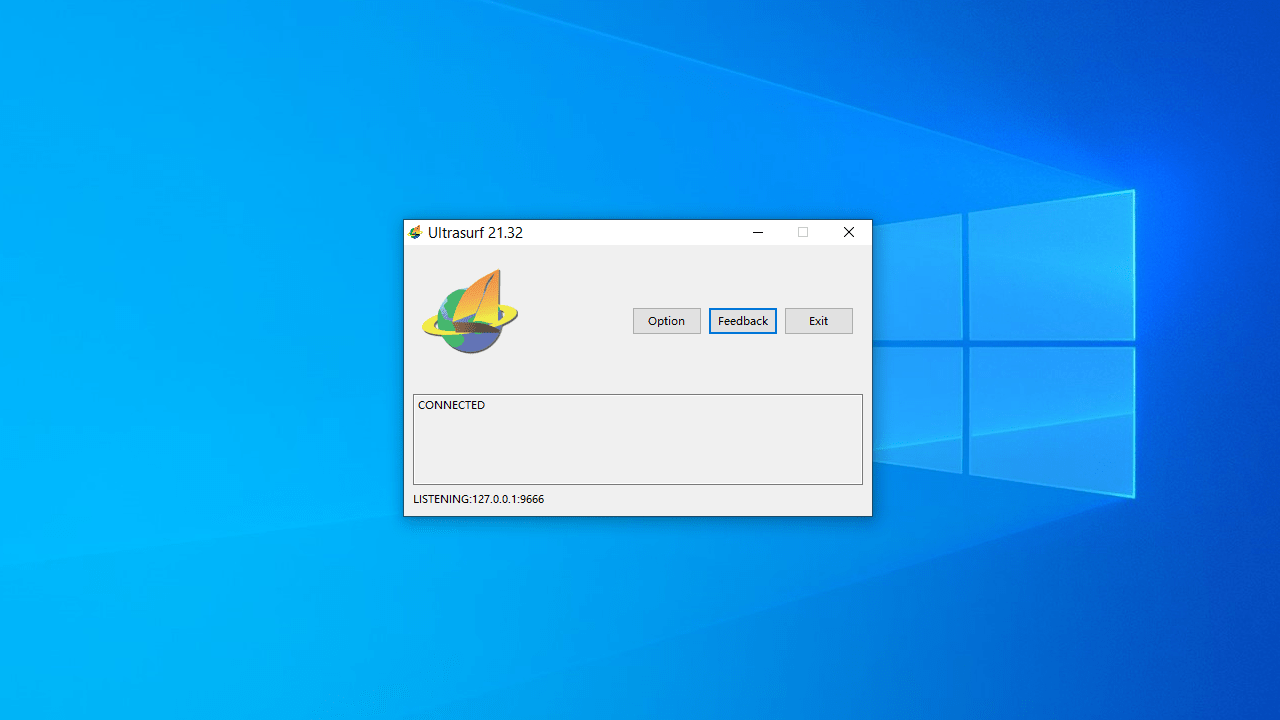
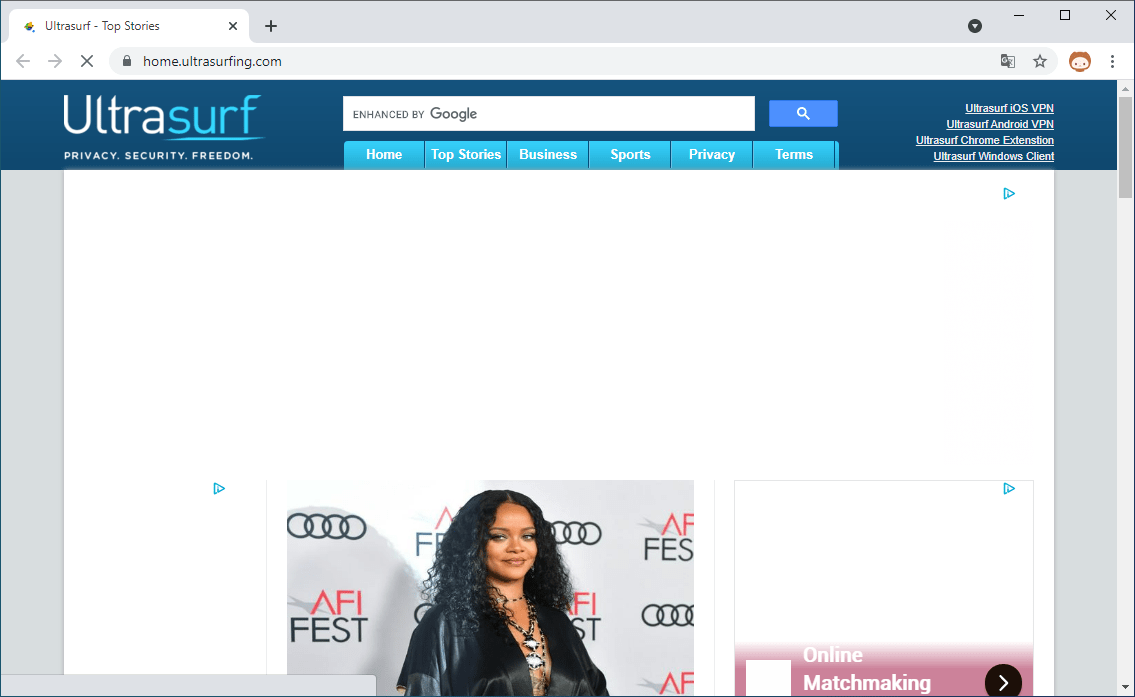
UltraSurf を起動すると接続が開始し、デフォルトのブラウザが自動的に開きます(ブラウザが開いている場合は、ブラウザを閉じてから UltraSurf を実行してください)。
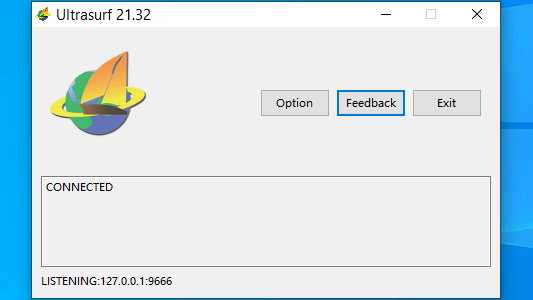
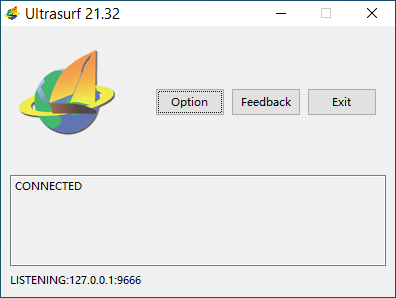
「CONNECTED」と表示されていれば接続は完了です。
ブラウザが開くと UltraSurf のページが表示されます。ページに興味がない場合は閉じて大丈夫です。
2.オプション
メイン画面の[Option ]をクリックすると、オプション設定ができます。
・Listen Port :使用するポート番号
・Share connection (listen to 0.0.0.0) :接続を共有する
・Do not set system proxy :システムプロキシをセットしない
・Do not open browser when program starts :プログラム起動時にブラウザを開かない
・Use the following proxy (not recommended) :以下のプロキシを使用する(非推奨)
よくある質問と回答
ライセンスについて。
ユーザーレビュー
2025-05-13
オンにしても、ずっと電波を飛ばすような絵柄のまま機能がオンになりません。どうすればいいですか?
灰谷竜
UltraSurf は、どなたでも無料で使用できます。